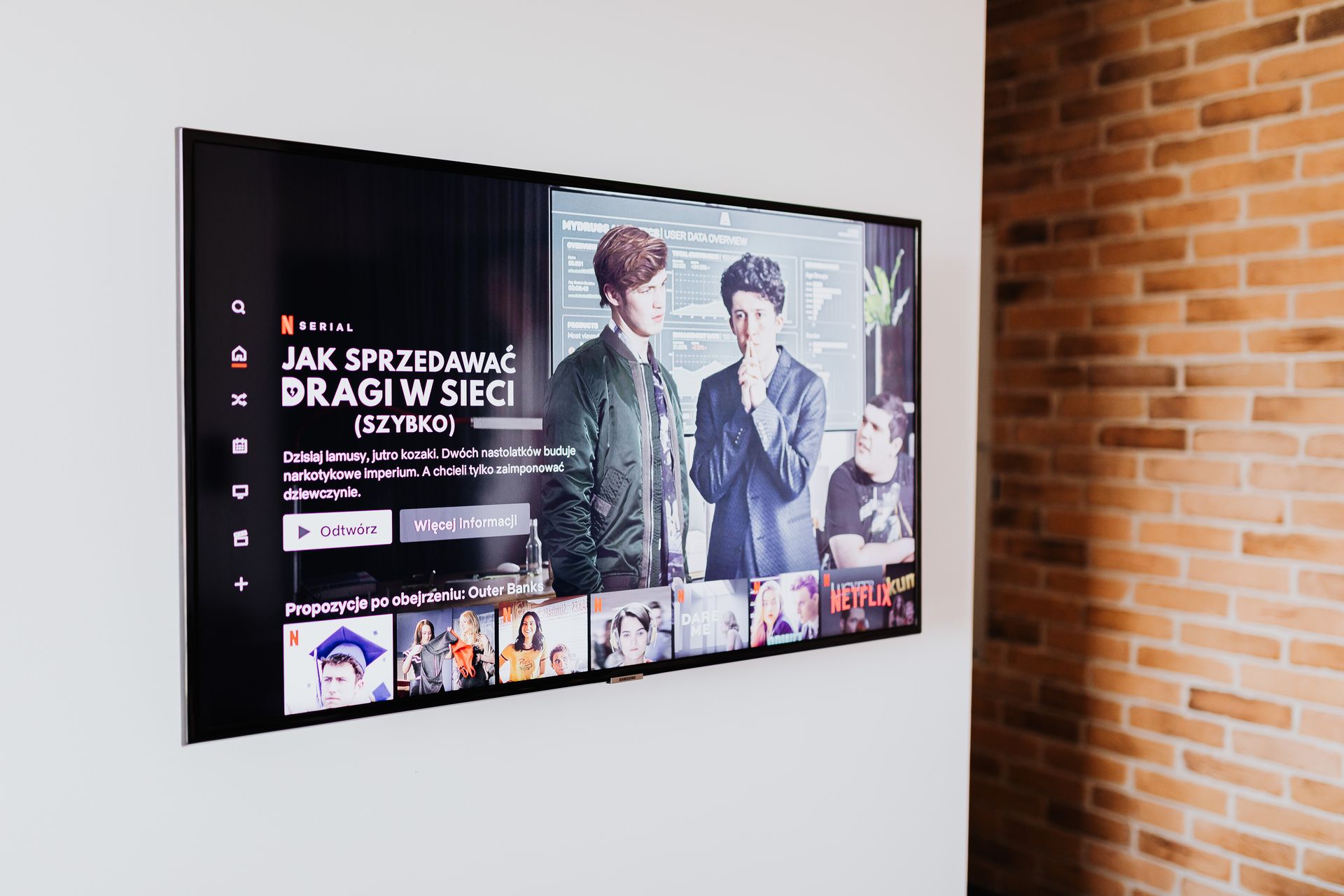
Your phone gets a security patch every few weeks. Your laptop updates itself whether you like it or not. Meanwhile, the largest screen in your home runs a full operating system, sits on the same network as everything you own, and may not have received a meaningful update since the year you bought it. In 2019, the FBI’s Portland field office put it bluntly: an unsecured television can hand an attacker a backdoor through your router, even when your computers are locked down tight. The TV is not just a screen anymore. It is the least defended computer in the house, and it deserves ten minutes of your attention.
Table of Contents
A Computer Nobody Patches
The core problem is lifecycle mismatch. People replace phones every two or three years and receive constant updates in between, while a television commonly stays on the wall for seven to ten years, running manufacturer software with an irregular and often short patching schedule. Every smart TV ships with its maker’s own operating system, and once a model leaves the spotlight, fixes for newly discovered flaws arrive late or never. Add weak default settings, always-on network access, and the occasional built-in microphone or camera, and you get exactly what the FBI described: a device most owners have never once thought of as hackable, sitting inside the network perimeter with the door propped open.
What You Should Never Do on the TV Browser
Because the television lags on patches, the smartest defense is deciding what it never gets to touch. Casual streaming is fine, but anything involving credentials and money deserves better-protected hardware. Payment-linked accounts, from banking pages to an Online Casino profile with saved card details, belong on a patched phone or laptop rather than the TV’s built-in browser. Real-money play raises the stakes of a leaked login, since a casino account combines a balance, a deposit method, and personal documents in one place. The same logic covers shopping accounts, email, and anything protected by a password you reuse elsewhere. TV browsers rarely support password managers properly, which pushes people toward short, typeable passwords, and a compromised TV can expose whatever flows through it. Treat the big screen as a display for entertainment, not a terminal for accounts, and an entire category of risk disappears.
How Your TV Watches You Back
Hacking is only half the story because the tracking is built in. Most smart TVs run automatic content recognition, a system that samples what is on the screen and reports viewing data back for advertising purposes, regardless of whether the content comes from an app, an antenna, or an HDMI-connected device. Regulators have been catching up with the practice for nearly a decade, and the pattern of the enforcement record explains why the issue keeps resurfacing.
Year |
Event |
Why It Matters |
|
2017 |
Vizio settles with the FTC for 2.2 million dollars |
ACR data was collected from 11 million TVs without consent |
|
2019 |
FBI publishes its smart TV security warning |
Federal acknowledgment of camera, microphone, and router risks |
|
2025 |
Texas sues five major TV manufacturers over ACR |
Tracking practices face penalties of up to 250,000 dollars per violation |
The takeaway is not that television makers are uniquely sinister, but that data collection is a revenue line, which means privacy-friendly behavior has to be switched on by the owner rather than expected from the factory.
Locking It Down in One Evening
None of the fixes require technical skill, and the order below moves from the quickest win to the most thorough.
- Open the TV’s privacy settings and disable ACR, viewing data, and personalized advertising options.
- Review microphone and camera permissions, and switch off voice features you do not actually use.
- Change any default PIN or password and run a manual firmware update, then enable automatic updates if offered.
- Remove apps you never open, since every installed app is one more piece of unmaintained code.
- Move the TV onto a separate network segment so it cannot see your other devices.
The Guest Network Trick
This final step matters most and is easier than it sounds. Nearly every modern router can broadcast a guest network, and parking the TV there, along with other smart gadgets, walls it off from laptops, phones, and storage drives. Even a fully compromised television then has nothing interesting to reach, which converts a network-wide threat into a contained one.
Convenience Without the Open Door
A smart TV is genuinely useful, and nothing here argues for unplugging it. The argument is for treating it like what it is: a long-lived, rarely patched computer with a business model attached. Spend one evening on the five steps above, keep accounts and payments on devices that actually receive updates, and recheck the privacy menu after firmware updates, which sometimes quietly restore defaults. The screen keeps doing its job, your network stops depending on the security diligence of a television manufacturer, and the weakest link quietly drops out of the chain.


