If you’ve ever attempted to search for someone on OnlyFans, you already understand, it is not like searching for their name on Instagram or Facebook. OnlyFans doesn’t come with a search bar for all members, and creators will usually avoid making their profiles public or low-key. That makes finding them difficult.
But don’t panic, if you’re hoping to catch up with a beloved creator, track down an influencer’s account from your area, or simply discover new pages that suit your interests, there are some intelligent (and secure) ways to do it.
Here, you will find out how to locate someone on OnlyFans even when you don’t know their username, along with a few clever tools, websites, and methods that really work.
Table of Contents
Why OnlyFans Doesn’t Make Searching Easy?
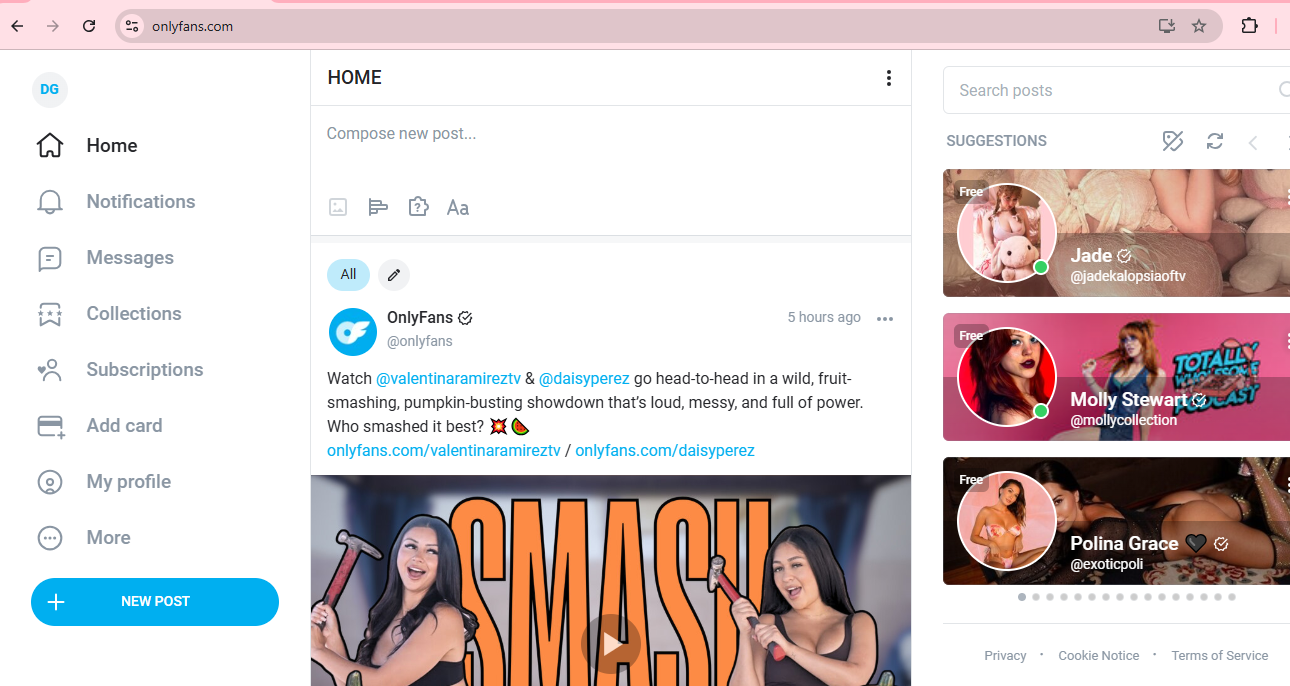
Before we dive into the ways, it’s important to know why OnlyFans makes it a task to search.
OnlyFans is a pay-for-peer platform centered around privacy. Most creators want to be anonymous, and the platform itself restricts public search outcomes to keep users safe. You can’t simply view all accounts or search for someone by name like you can on Instagram or Twitter (now X).
So rather than a straightforward name search, you have to get resourceful, making use of outside sites, programs, and some detective work.
Start with the Basics: Use Google Smartly
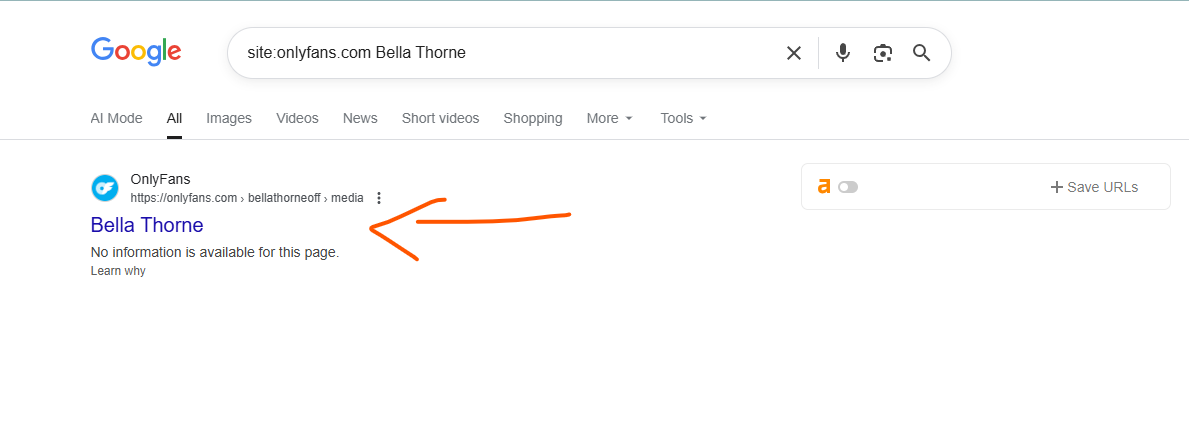
If you don’t know their username, Google search can be surprisingly effective.
Try using Google search operators. These are small phrases that narrow down results. For example:
site:onlyfans.com name
Replace “name” with the person’s actual name or possible handle.
Example:
site:onlyfans.com “Samantha Rose”
You can also combine terms like:
site:onlyfans.com + “Instagram” + “Samantha”
This helps if the creator has linked their OnlyFans on social media profiles.
Pro tip: If you know their city, niche, or content style, include that too.
For example:
site:onlyfans.com + “fitness” + “London”
This simple trick alone can uncover dozens of public profiles that match what you’re looking for.
Also Read: Top 18 TikTokers with OnlyFans Accounts
Explore Social Media — It’s the Key to Discovery
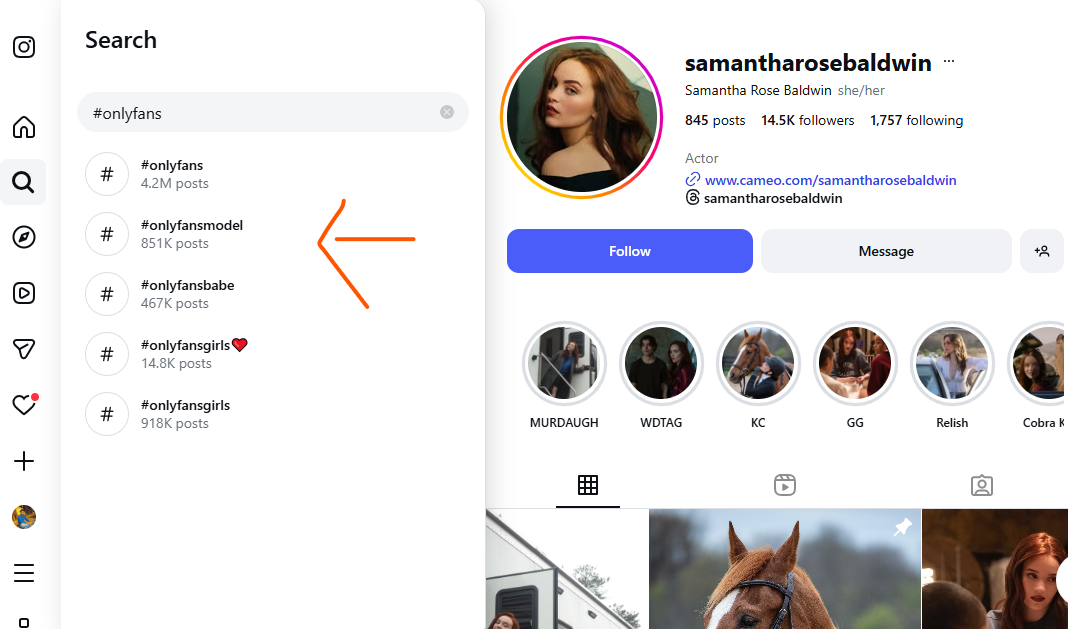
Most OnlyFans creators cross-promote elsewhere. So where to go next? Social media sites.
This is how to utilize each one effectively:
Several creators hint at exclusive content or include their OnlyFans in their bio or Linktree. Try searching:
- “OnlyFans” site:instagram.com [name]
- Search for hashtags such as #onlyfans, #linkinbio, or #creatorlife
You can also look at tagged photos or comments on influencer posts — creators often work together or tag one another.
Twitter / X
Twitter is the site for adult creators and promotion.
Attempt to search:
- “OnlyFans.com” preceded by the name or keyword
- Hashtags such as #OnlyFansModel, #OnlyFansLink, #OFcreator, etc.
Creators often tweet preview clips, so this is one of the most straightforward means of finding legitimate accounts.
Reddit features popular communities dedicated to OnlyFans discovery. Subreddits such as:
- r/OnlyFansReviews
- r/OnlyFansGirls101
- r/OnlyFansIndia (for local searches)
You can scroll through posts, recommendations, or even ask users for creator links (subject to subreddit guidelines).
Use Third-Party OnlyFans Search Tools (With Caution)
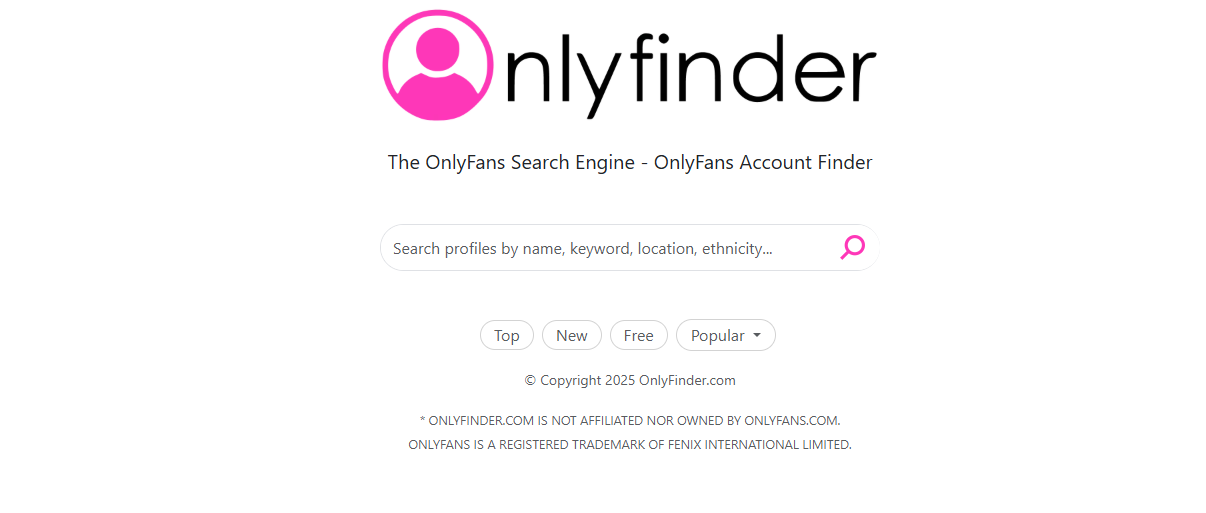
There are a lot of websites created especially to assist you in discovering OnlyFans creators, even if you have no clue what their username is. They scrape public profiles and sort them by niche, popularity, or location. That will turn out to be lowkey beneficial for you.
Some you can use:
- OnlyFinder (onlyfinder.com): The best-known one. Search by name, where they’re from, keyword, or even how they look.
- FansMetrics (fansmetrics.com): Provides trending creators and niche browsing.
- Hubite (hubite.com): An expanding directory that catalogs creators in different genres.
- Coomer.party: This is more of a content aggregator that occasionally has public pages listed, though not everything is officially presented.
Tip: Always authenticate profiles via their social links prior to subscribing, fake accounts are out there, and third-party tools aren’t supported by OnlyFans.
Also Read: Starting OnlyFans as a Guy- A Beginner Guide
Try Reverse Image Search
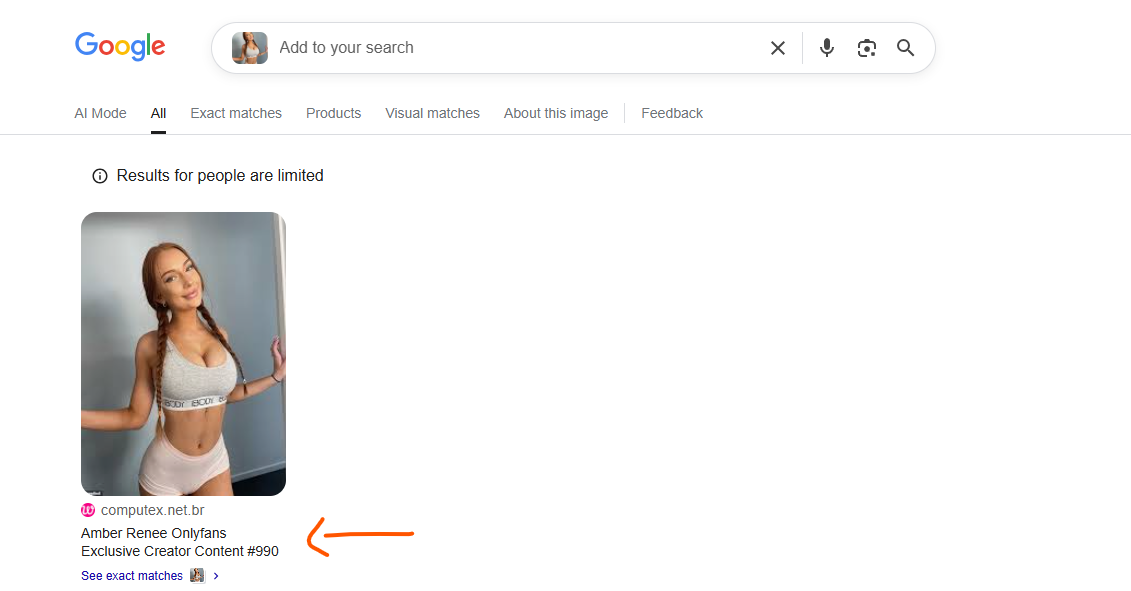
If you have an image of the individual (from another site), you can use Google Images or TinEye to search by image.
Steps:
- Visit images.google.com
- Tap the camera icon → Upload image
- Search for results with onlyfans.com
You may be able to find profiles where the same image has been used for promotion. This is particularly helpful if the producer has the same profile picture on all platforms.
Check Link Aggregators (Like Linktree or AllMyLinks)
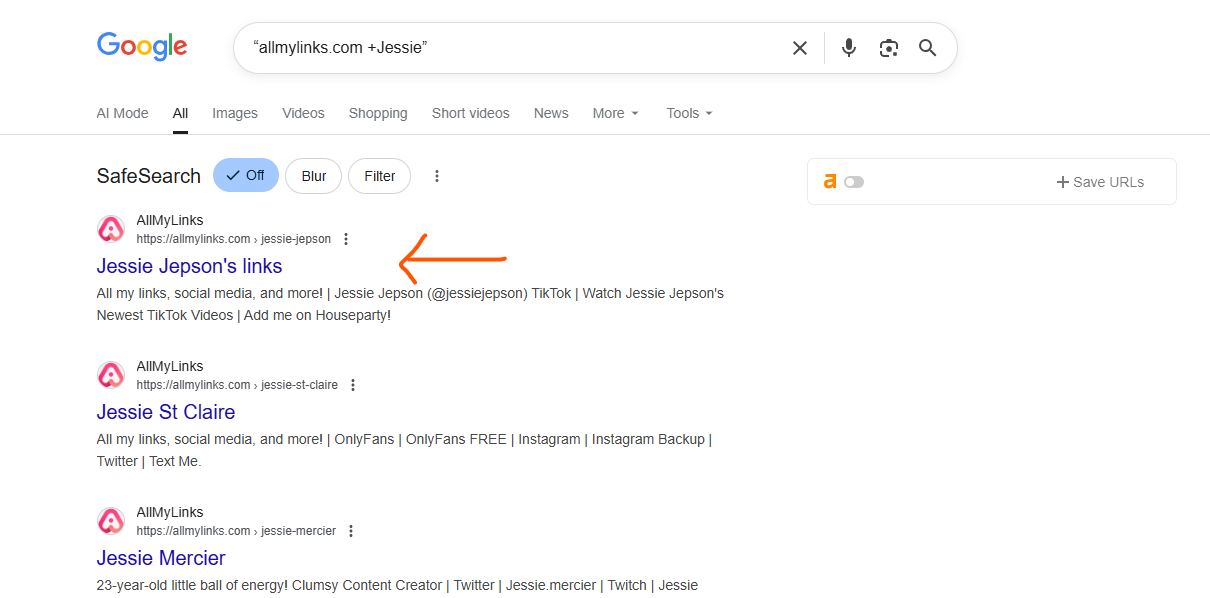
Most creators use link hubs to promote all their platforms in one place. Even if they hide their OnlyFans handle, these link hubs can still lead you there.
Search on Google for:
“linktr.ee + [name] + onlyfans”
or
“allmylinks.com + [creator name]”
You will most likely find a direct link to their OnlyFans profile once you find their Linktree or AllMyLinks page,
Explore Local or Niche-Based Directories
If you’re interested in a specific niche, be it fitness models, musicians, influencers, or even local creators, there are OnlyFans directories and forums that list creators by interest or location.
Sites such as:
- FansDiscover
- OFSpy
- OnlyFansFreeFinder
These enable you to search by country, city, or genre, and you discover creators you would never have discovered with the broad searches.
Ask Around (The Smart Way)
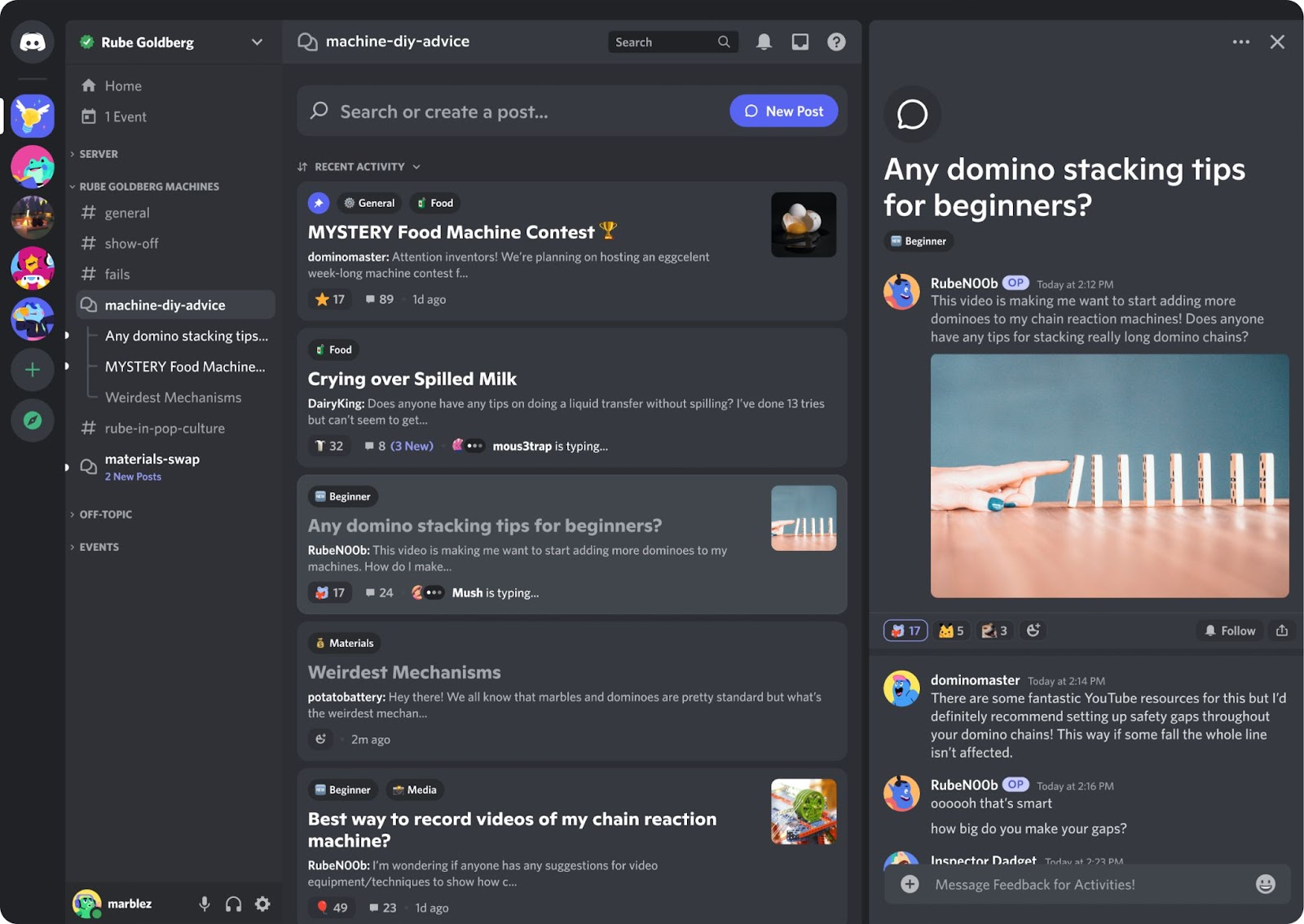
In some cases, the simplest way to discover a creator is through recommendations from the community. Forums, Discord channels, and Telegram groups tend to exchange verified URLs or names of popular creators.
All the same, be sure not to disrespect privacy and community guidelines, don’t share personal names or unverified information. Keep open discussion about creators who openly advertise their pages.
Use Location-Based Searches
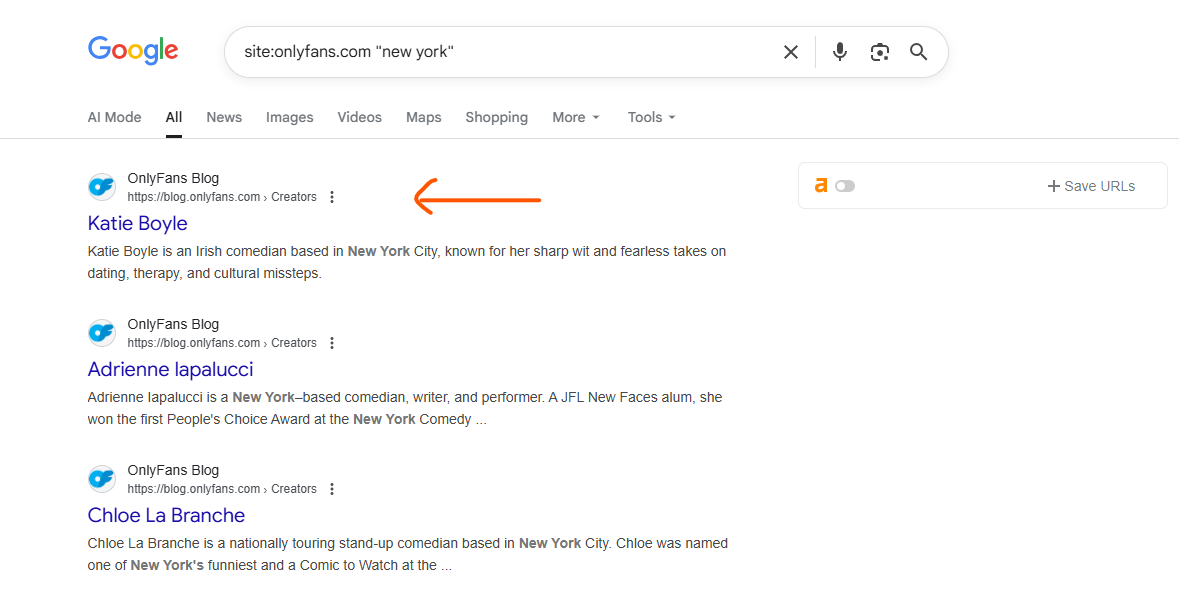
If you want to know creators in your city or state, you can utilize OnlyFinder location filter or just enter something like:
site:onlyfans.com “Kolkata” OR “Delhi”
or
“OnlyFans model from [City name]”
A lot of creators add their location in the bio for the fans who like watching local content.
Remember Privacy and Consent Matter
While it’s entertaining to find creators online, remember boundaries and respect. OnlyFans is founded on consensual sharing, if a person hasn’t made their page publicly available, it’s best to leave well enough alone.
Don’t use any of those dirty “leak” or “scraper” sites, not just are they unethical, but they also typically include malware and infringe on copyright and privacy legislation.
Consider OnlyFans a creative community. Respect creators the same way you would any artist. Subscribe if you’re a fan, support their efforts, and refrain from sharing links without their consent.
Bonus Tip: Follow Hashtags and Trends
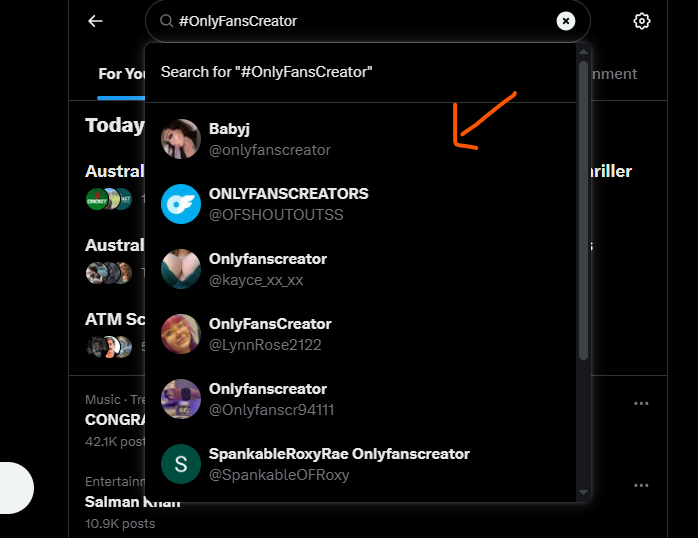
Platforms like TikTok, Twitter, and Reddit are filled with OnlyFans trends all the time. Experiment with following these hashtags:
- #OnlyFansCreator
- #OFmodel
- #Linkinbio
- #CreatorsOnOnlyFans
This discovers new creators for you naturally, particularly those who are offering special deals or collaborations.
Conclusion
Just by putting their name into a search bar, it is not easy to find a person on OnlyFans and that’s sort of the whole point. The platform prioritizes privacy for obvious reasons, so you are limited to relying on small hints like a half-remembered username, a link attached in the bio, or a random Reddit thread.
If you’re seriously interested in a creator, the best and most respectful way to locate them is through the avenues they’ve publicly opened up, whether that’s social media, link aggregators, or discovery tools like OnlyFinder. Never get lured by scammy “leak” websites or disreputable shortcuts.
OnlyFans is mainly about choice and consent. Support the creators who have chosen to share on the site if you prefer, view content that really drives you, and be respectful of the creator’s privacy. If you are looking for all the right reasons, you might as well find what you want and even discover a few new ones in the process.
 About Carson Derrow
