Apple runs a tight ship when it comes to apps on iPhones. Every app in the official App Store goes through strict review processes. While this keeps things safe, it also means many useful apps never make it to your device.
That’s where third-party app stores come in. These alternative platforms let you download apps that Apple doesn’t allow. This includes game emulators, tweaked versions of popular apps, and tools for customization.
Quick disclaimer: Using third-party app stores comes with risks. Your apps might stop working suddenly. Some could contain harmful software. Apple doesn’t support these methods, and you could face security issues.
This guide is for iPhone users who want more freedom with their devices. Whether you’re a developer testing apps, a gamer wanting emulators, or someone who likes customizing their phone, you’ll find helpful information here.
Table of Contents
What Are Third-Party App Stores for iOS?
Third-party app stores are platforms that distribute iOS apps outside Apple’s official App Store. Think of them as alternative marketplaces for iPhone software.
These stores work differently than what you’re used to. They use special signing certificates or enterprise profiles to install apps on your device. Some require “sideloading,” which means manually installing apps from files rather than downloading them normally.
The good parts: You get access to apps Apple won’t approve. This includes emulators for classic games, modified versions of apps with extra features, and tools for developers.
The not-so-good parts: Apps can stop working when Apple revokes certificates. You might encounter security risks. Updates don’t happen automatically like they do in the App Store.
Are Third-Party App Stores Legal and Safe?
Using third-party app stores isn’t illegal, but it exists in a gray area. Apple doesn’t want you using them, and they actively try to block them. However, you won’t get arrested for installing one.
The real concerns are safety and stability. Apple regularly revokes the certificates these stores use, making your apps stop working. You’ll need to reinstall them frequently. Some third-party apps might contain malware or steal your personal information.
Tips for staying safer:
- Only use well-known stores with good reputations
- Read user reviews before downloading apps
- Never enter your Apple ID password in third-party apps
- Keep your iPhone’s iOS version updated
- Use antivirus software if available
Who should avoid third-party stores? If you use your iPhone for work with sensitive data, handle financial information regularly, or simply want a hassle-free experience, stick with the official App Store.
Best 3rd Party App Stores for iOS (Top Alternatives)

AltStore

AltStore takes a different approach than other third-party stores. It uses your own Apple Developer certificate to install apps, making it more stable and harder for Apple to shut down.
What makes it special: AltStore works with AltServer software on your computer. It refreshes apps automatically when your device is on the same WiFi network. This means fewer interruptions.
Popular apps available: Delta Emulator (for classic Nintendo games), Clipboard manager apps, and various developer tools.
The pros: Very stable compared to other options. Apps rarely stop working. Clean, simple interface. Free to use.
The cons: Requires a computer to set up. Apps need refreshing every 7 days. Limited to 3 apps at a time (unless you have a paid Apple Developer account).
Perfect for: Emulator fans and app developers who want a reliable sideloading solution.
TutuApp
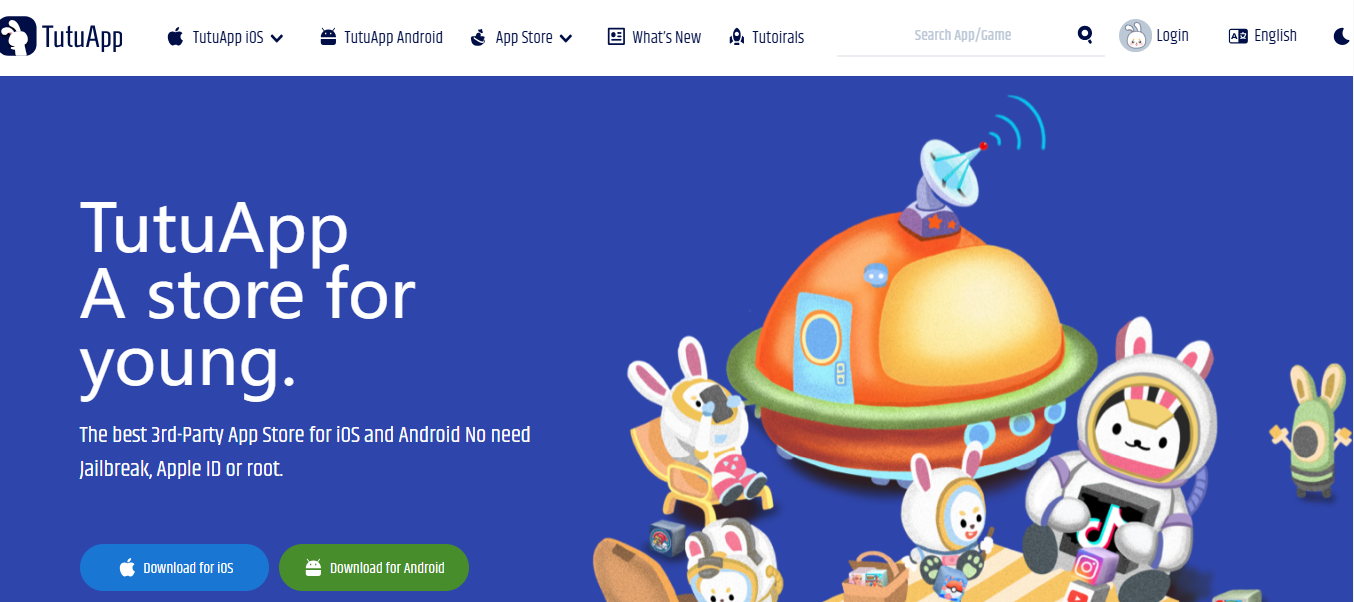
TutuApp has been around for years and offers one of the largest collections of modified apps. You’ll find tweaked versions of popular apps with extra features and alternatives to paid apps.
What you get: Modified social media apps, hacked games with unlimited resources, premium apps available for free, and screen recording tools.
Free vs VIP: The free version works but has ads and occasional certificate issues. The VIP version ($12.99/year) offers better stability, faster downloads, and premium app access.
The pros: Huge app library. Easy to use. Works without jailbreaking. Regular updates to the catalog.
The cons: Certificates get revoked frequently on the free version. Some apps contain intrusive ads. Quality varies between different apps.
AppValley

AppValley focuses on tweaked apps and jailbreak-style features without actually jailbreaking your device. It’s popular among users who want customization options.
What’s on offer: Modified Instagram and Snapchat, game cheats and mods, YouTube without ads, and various productivity tweaks.
User experience: The interface is straightforward. You browse categories, tap to install, and trust the certificate. Installation usually takes under a minute.
The pros: No computer needed. Large selection of social media tweaks. Active community and support.
The cons: Certificate problems happen often. Some tweaked apps violate terms of service (like modified Instagram). Updates can break apps.
TweakBox

TweakBox built its reputation on offering hacked games and entertainment apps. The library is extensive, though stability has decreased over recent years.
What’s inside: Hacked games with unlimited coins or lives, streaming apps, emulators, and screen recorders.
The pros: No registration required. Completely free. Simple installation process. Good selection of gaming apps.
The cons: Certificates get revoked very frequently. Apps often stop working after iOS updates. Website sometimes displays aggressive ads.
Panda Helper
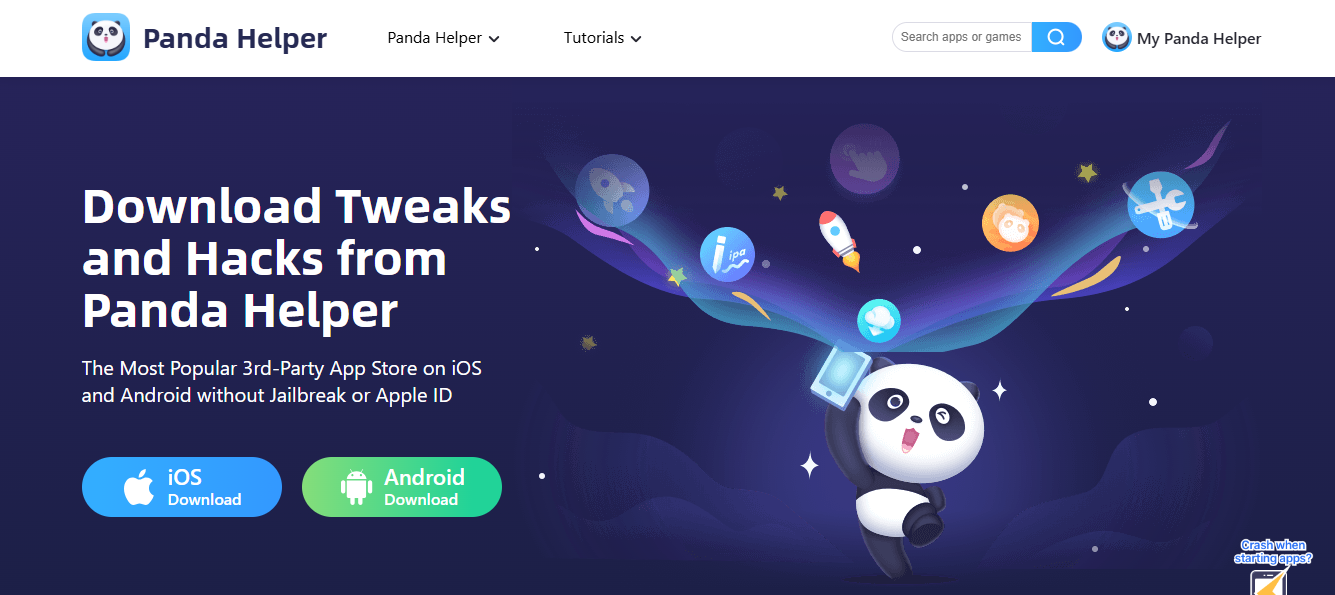
Panda Helper offers both modified apps and alternatives to paid applications. It’s one of the few stores that maintains both free and paid versions with clear differences.
Free version features: Basic tweaked apps, some hacked games, and limited app selections.
VIP version benefits ($12.99/year): More stable certificates, access to premium modified apps, faster installation, and no ads.
The pros: Clear distinction between free and paid offerings. Decent app variety. Works on latest iOS versions.
The cons: Free version has significant limitations. Certificate issues on the free tier. Some apps don’t work as advertised.
Sileo (for Jailbreak Users)
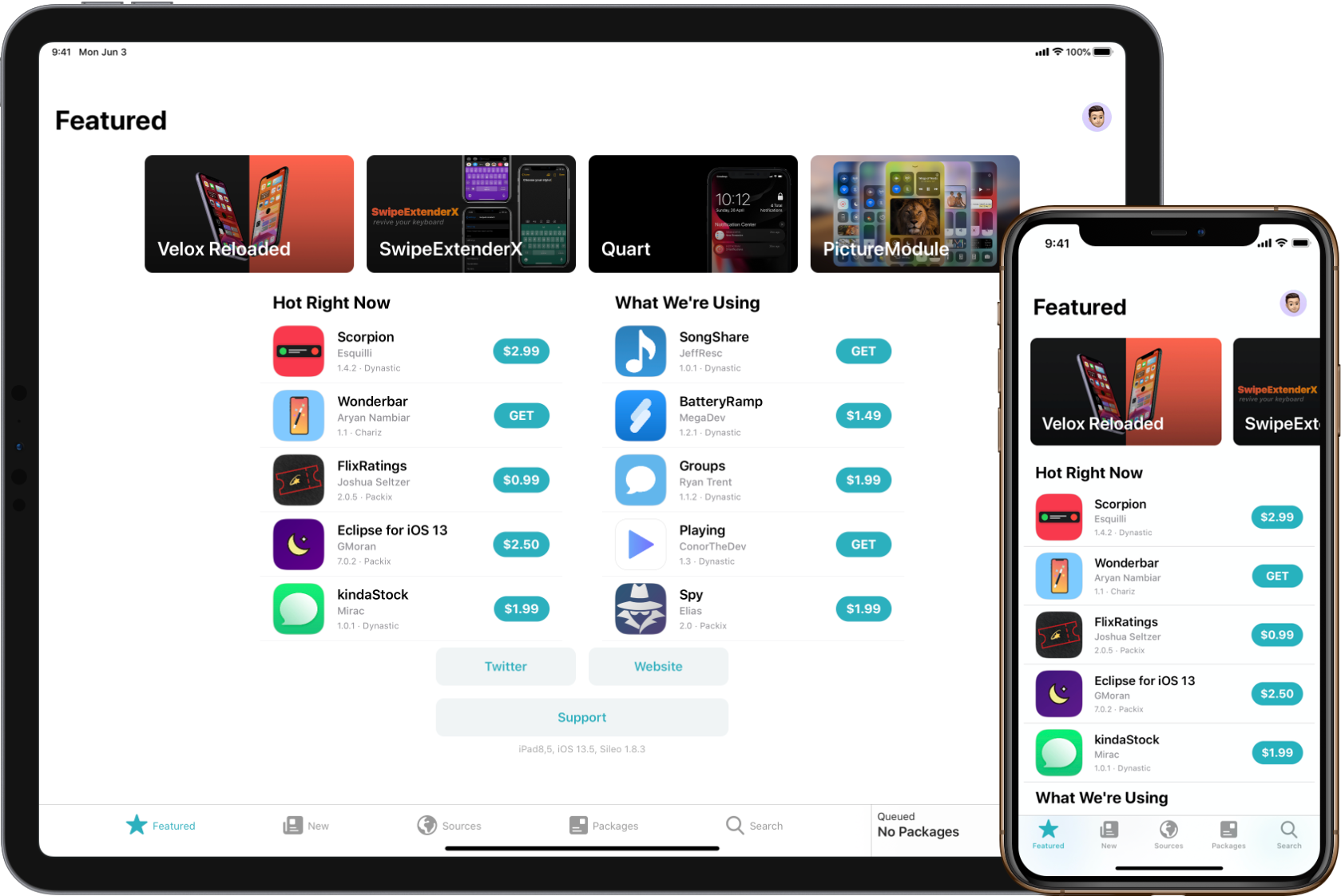
Sileo is different from everything else on this list. It’s a modern package manager exclusively for jailbroken iPhones. Think of it as an improved version of Cydia.
Why it matters: If you’ve jailbroken your iPhone, Sileo provides the best way to manage tweaks and modifications. The interface is beautiful and fast.
What you need: A jailbroken iPhone. Sileo won’t work on regular devices.
The pros: Extremely stable once installed. Beautiful, modern interface. Access to powerful tweaks. Active developer community.
The cons: Requires jailbreaking (which has its own risks). Not available for the latest iOS versions immediately. Can void your warranty.
Best for: Advanced users who have already jailbroken their devices and want the best package manager available.
CokerNutX
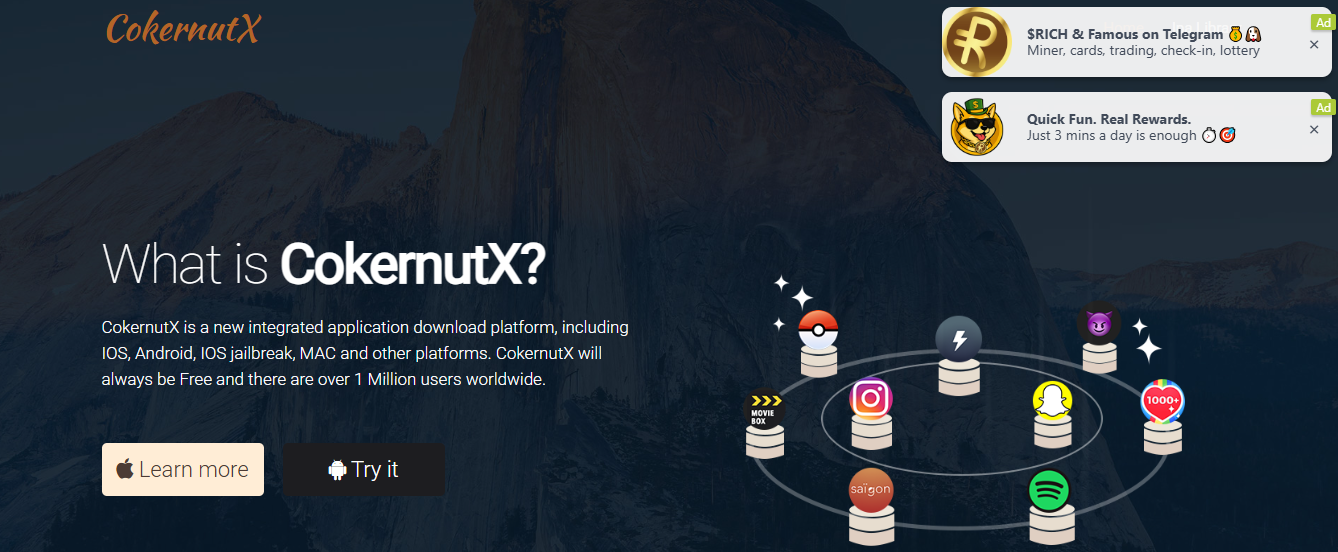
CokerNutX is a newer player focusing on ease of use. Installation is smoother than many competitors, and the app selection covers most popular requests.
What it offers: Modified apps, emulators, game hacks, and utility tools. The selection isn’t the largest but covers popular choices.
Installation experience: One of the simplest setups. Visit the website, tap install, trust the profile. Most users complete it in under two minutes.
The pros: Very user-friendly. No computer required. Clean interface. Regular updates.
The cons: Smaller app library than TutuApp or AppValley. Still faces certificate revocation. Limited customer support.
AppCake

AppCake specializes in installing IPA files, which are the installation packages for iOS apps. It’s more technical than other options but offers greater flexibility.
How it works: You download IPA files from various sources and use AppCake to install them on your device. It handles the signing process automatically.
What makes it different: AppCake gives you control over what you install. You’re not limited to their app catalog. Any IPA file can potentially be installed.
The pros: Maximum flexibility. Install any IPA file you have. Good for developers testing apps. Active since 2008.
The cons: More complicated than other stores. Requires understanding IPA files. Certificate issues still occur. Need to find IPA files yourself.
Perfect for: Users comfortable with technical processes and developers who want to sideload specific apps.
Comparison Table: Top iOS 3rd-Party App Stores
| App Store | Jailbreak Needed? | Free / Paid | Best For | Stability |
|---|---|---|---|---|
| AltStore | No | Free | Emulators & dev apps | High |
| TutuApp | No | Both | Tweaked apps | Medium |
| AppValley | No | Free | Modded/social tweaks | Medium |
| TweakBox | No | Free | Hacked games | Medium |
| Panda Helper | No | Both | Premium-app alternatives | Medium |
| Sileo | Yes | Free | Jailbreak tweaks | High |
| CokerNutX | No | Free | Easy installation | Medium |
| AppCake | No | Free | IPA installs | Medium–High |
How to Install Third-Party App Stores on iOS (Step-by-Step)
Installing a third-party app store is simpler than you might think. Here’s the general process that works for most stores:
Step 1: Visit the store’s website on your iPhone using Safari. Chrome or other browsers might not work properly.
Step 2: Tap the “Download” or “Install” button. Your iPhone will ask if you want to install the profile.
Step 3: Go to Settings > General > VPN & Device Management (or Profiles & Device Management on older iOS versions).
Step 4: Find the profile you just downloaded. Tap it and then tap “Install.” You’ll need to enter your passcode.
Step 5: Once installed, go back to your home screen. The app store icon should appear within a few seconds.
Step 6: Open the third-party store and browse for apps you want to install.
Step 7: After downloading an app from the store, you’ll need to trust its certificate too. Go back to Settings > General > VPN & Device Management, find the new profile, and tap “Trust.”
Avoiding certificate problems: Certificates get revoked regularly. When this happens, your apps will show “Unable to Verify App” messages. You’ll need to delete the app and reinstall it from the store. Some stores like AltStore help prevent this by refreshing certificates automatically.
Benefits of Using Third-Party App Stores
The main reason people use alternative app stores is access. You can download apps that Apple doesn’t allow in their official store.
Emulators are the biggest draw. Want to play old Game Boy or Nintendo games on your iPhone? The App Store won’t help you, but third-party stores will. Delta Emulator, PPSSPP, and other emulators are readily available.
Tweaked apps add features. Modified versions of Instagram might let you download photos. YouTube tweaks can remove ads. These enhanced versions offer functionality that official apps don’t provide.
App customization increases. You can change how your iPhone looks and behaves in ways Apple doesn’t normally allow. Custom icon packs, system-wide dark modes (before Apple added it officially), and enhanced control centers become possible.
Free alternatives to paid apps exist. Some stores offer apps that normally cost money in the App Store. However, this raises ethical and legal questions about supporting developers.
Developer testing becomes easier. If you’re creating apps, third-party stores let you install test versions without going through Apple’s lengthy review process.
Risks and Drawbacks to Consider
Third-party app stores come with real downsides. Understanding these helps you make informed decisions.
Security risks are genuine. Unlike the App Store, these platforms don’t carefully review apps for malware. A malicious app could steal your passwords, track your location, or access your photos. This isn’t common, but it happens.
Privacy concerns multiply. Some modified apps might collect more data than their official versions. That tweaked social media app could be sending your information to unknown servers.
Apps stop working regularly. When Apple revokes a certificate (which happens often), every app installed with that certificate stops working. You’ll see “Untrusted Enterprise Developer” messages and need to reinstall everything.
iOS updates break things. When Apple releases a new iOS version, third-party apps often stop working until the store updates them. You might wait days or weeks for fixes.
Account bans are possible. Using modified versions of social media apps or games can get your account banned. Instagram, Snapchat, and game developers actively detect modified apps and punish users.
Your warranty isn’t technically affected by using third-party stores (unlike jailbreaking). However, if you need Apple support, they might ask you to remove these apps first.
Battery drain can increase. Some poorly coded tweaked apps use more power than they should, reducing your battery life.
Best Safe Practices for Using Alternative iOS App Stores
If you decide to use third-party stores, follow these guidelines to stay safer.
Stick with known stores. The stores listed in this article have established reputations. Avoid random websites promising amazing apps. If you haven’t heard of a store before, research it thoroughly.
Read reviews carefully. Before installing any app, check what other users say. Look for complaints about malware, data theft, or apps not working. Multiple negative reviews should be a red flag.
Never enter sensitive passwords. Don’t type your Apple ID, banking passwords, or other critical credentials into third-party apps. They’re not as secure as official apps.
Keep iOS updated. Apple regularly patches security holes. Running the latest iOS version helps protect against known vulnerabilities.
Use a VPN. A virtual private network adds a layer of security when downloading and using third-party apps. It encrypts your internet connection and hides your IP address.
Avoid financial apps. Don’t use modified banking apps, payment apps, or anything involving money. The risks are too high. Stick with official versions from the App Store.
Check app permissions. When an app asks for access to your camera, location, or contacts, ask yourself if it really needs that permission. Deny unnecessary access.
Have a backup plan. Regularly back up your iPhone to iCloud or your computer. If something goes wrong, you can restore your device to a safe state.
Don’t use on your primary device. If you have an old iPhone lying around, use that for experimenting with third-party stores. Keep your main phone secure with only official apps.
Conclusion
Third-party app stores open up possibilities that Apple’s strict ecosystem doesn’t allow. Whether you want to play classic games through emulators, try tweaked versions of popular apps, or simply customize your iPhone more deeply, these alternatives provide options.
The best choice depends on your needs. AltStore wins for stability and is perfect for emulator fans. TutuApp and AppValley offer the largest selections of modified apps. Panda Helper balances free and paid options well. For jailbroken devices, Sileo is unmatched.
When should you use them? If you’re comfortable with technical troubleshooting, understand the risks, and want features Apple doesn’t provide, third-party stores can enhance your iPhone experience.
When should you avoid them? If you value security above all else, use your phone for work, handle sensitive information, or simply want everything to “just work,” stick with the official App Store.
Remember that using these stores requires accepting trade-offs. You gain freedom and features but lose some security and stability. Make your choice based on what matters most to you.
Whatever you decide, stay informed about the risks and take precautions to protect your data and privacy. Your iPhone is a powerful device—use it in ways that make sense for your needs and comfort level.
 About Carson Derrow

