In today’s digital-first world, your online presence can make or break opportunities. Whether you’re a freelancer pitching to clients, a professional networking for your next role, or a creator building your brand, being discoverable on Google matters. That’s where Google’s “Add Me To Search” feature comes in—a simple yet powerful tool that lets you create a digital business card that appears directly in Google search results.
Table of Contents
Introduction to “Add Me To Search”
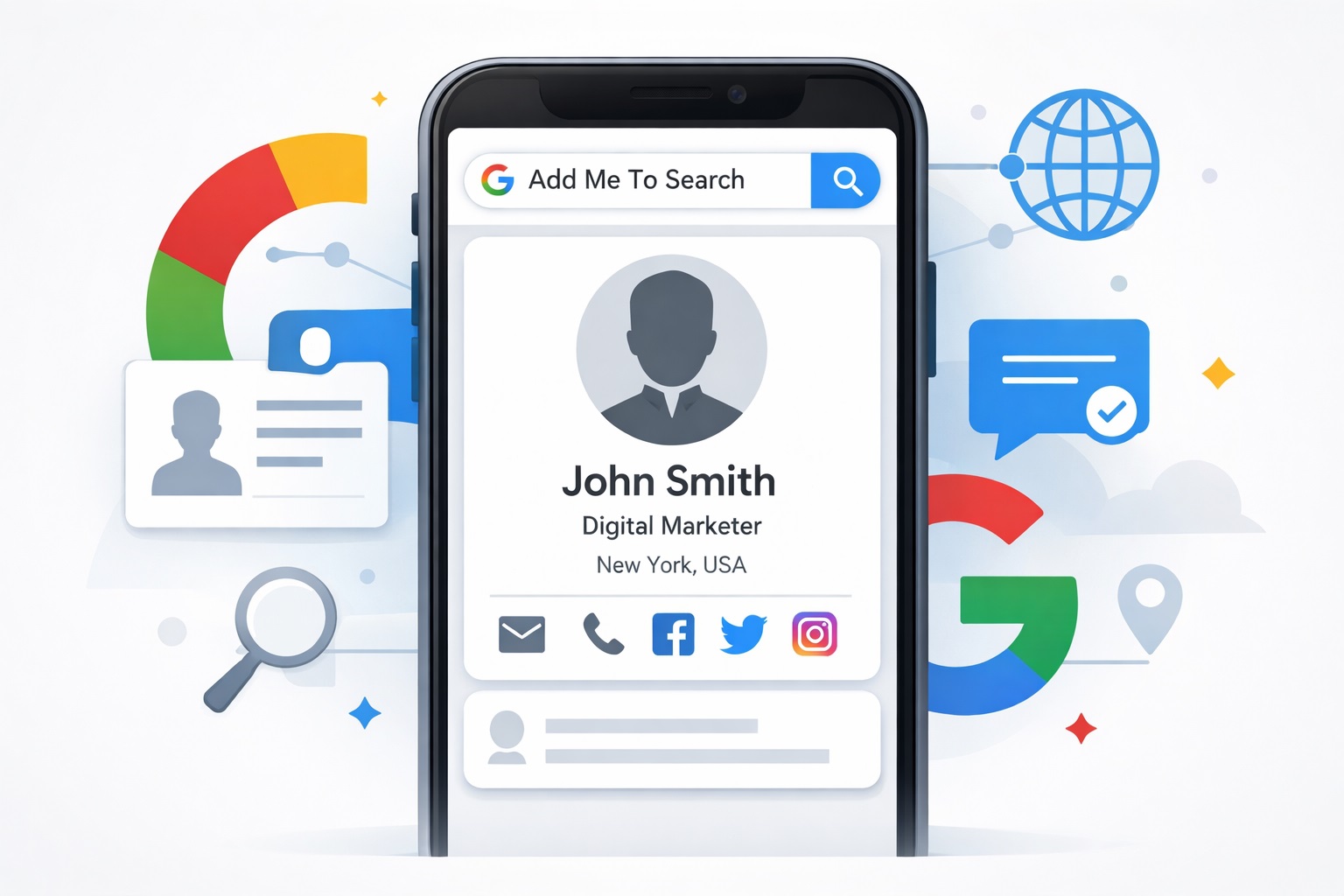
“Add Me To Search” is Google’s invitation to create what’s known as a People Card—essentially a mini-profile that showcases who you are and what you do. When someone searches for your name on Google, your People Card can appear alongside traditional search results, giving you control over the first impression you make.
This feature gained popularity in 2020 when Google introduced it as a way for individuals to establish their online identity without needing a website or significant digital footprint. It’s particularly valuable for freelancers who want to attract clients, professionals seeking career opportunities, content creators building their audience, and small business owners looking to increase visibility—all without spending a rupee.
What Is a Google People Card?
A Google People Card is a virtual identity card that displays key information about you in Google search results. When someone searches for your name, your card can appear in a dedicated knowledge panel, showing details like your profession, location, bio, website, and social media profiles.
Your card could include:
- A profile picture
- Your name and occupation
- A short bio
- Your social media handles
- Your website
- Your location
- Optional contact info
Unlike a Google Business Profile, which is designed for physical businesses and local services, a People Card focuses on individuals. It’s about personal branding rather than business listings. And yes, it’s completely free to create and maintain, making it accessible to anyone with a Google account.
Mastering Local SEO: The Ultimate Guide to Using Google My Business Ranking Checker
Benefits of Creating a Google People Card
Creating a Google People Card offers several compelling advantages. First and foremost, it puts you on Google’s main stage for personal branding. Instead of relying solely on third-party platforms, you get a presence on the world’s most-used search engine.
The feature significantly improves your online visibility, especially if you have a common name or limited web presence. Potential clients, recruiters, and collaborators can find you more easily, and you control exactly what information they see first. This is particularly helpful for freelancers looking to showcase their skills, students entering the job market, influencers building their following, and professionals managing their reputation.
Eligibility Requirements for Google People Card
Before you get started, it’s important to know that Google People Card isn’t available everywhere. The feature launched initially in India and has gradually expanded to other regions, but availability varies by country. You’ll need an active Google account and must access the feature through a mobile device—desktop creation isn’t currently supported.
The interface works best in English and select local languages. If you’re searching “Add Me To Search” and nothing appears, it could be because the feature isn’t available in your region yet, you’re using a desktop browser, your Google account is brand new, or there are temporary restrictions on your account.
How to Create a Google People Card (Step-by-Step Guide)
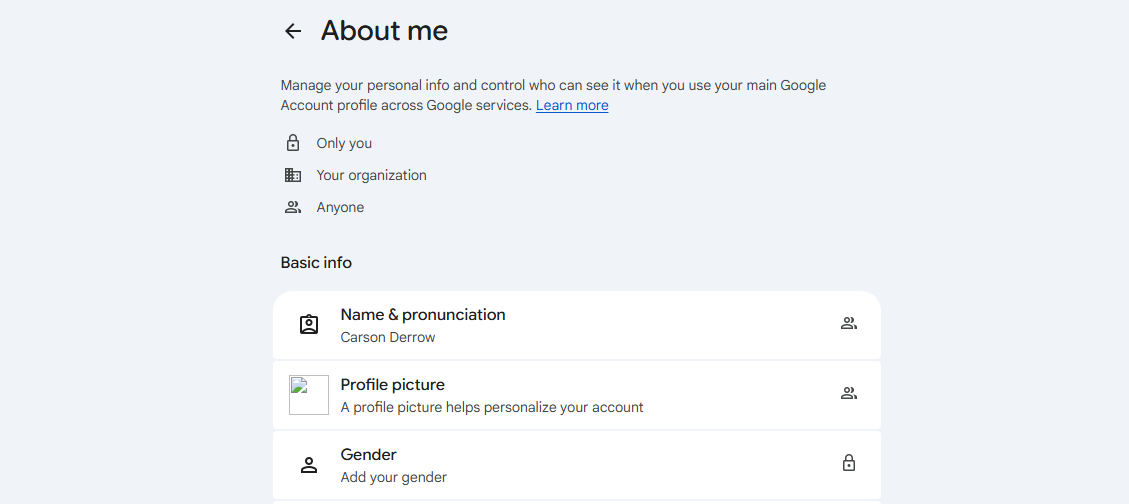
Creating your People Card is straightforward. Start by signing in to your Google account on your mobile phone. Open Google Search (either the app or mobile browser) and type “Add Me To Search” in the search bar.
When the option appears, tap “Get Started.” You’ll be prompted to fill in your basic information—name, profession or occupation, and location. Next, add your contact information (this is optional but recommended) and links to your social media profiles or website.
Take a moment to write a brief bio that describes what you do and what makes you unique. Once you’ve filled everything in, preview your card to see how it will appear to others. When you’re satisfied, submit it. Google will review your card, which typically takes a few days, and then it will start appearing in relevant search results.
Search Google or Type a URL Meme, Explained
How to Edit or Update Your Google People Card
Your career evolves, and your People Card should too. To make changes, simply search for “Edit my People Card” on Google while signed in to your account. You can update your profession, revise your bio to reflect new skills or focus areas, add or remove social media links as your presence changes, and update contact information.
After making edits, save your changes. Updates typically reflect in search results within a few days, though sometimes it can take up to a week. Google needs time to re-index your information across its search infrastructure.
Best Practices to Optimize Your Google People Card
To make your People Card work harder for you, choose professional keywords that reflect what people might search for. If you’re a “freelance graphic designer” or “digital marketing consultant,” use those exact terms rather than vague descriptions.
Write a bio that’s clear and specific about what you do and what value you provide. Keep information current—an outdated People Card can hurt your credibility more than help it. Link only relevant social profiles that strengthen your professional image, and avoid language that sounds spammy or overly promotional. Google’s algorithms favor authentic, straightforward information.
Common Problems & Fixes
Users occasionally encounter issues with People Cards. If “Add Me To Search” isn’t showing up, verify you’re using a mobile device, check that the feature is available in your country, and ensure you’re signed in to your Google account.
If your People Card isn’t appearing in search results after approval, give it time—indexing can take several days. Search specifically for your name plus your profession or location for better results. If your card was removed, it likely violated Google’s content policies. Review the guidelines and resubmit with appropriate changes.
For persistent visibility issues, you can’t directly request re-indexing, but updating your card with new information sometimes triggers a refresh in Google’s system.
Privacy & Safety Tips
While People Cards increase visibility, you should be strategic about what you share. Include professional contact information, but consider using a business email rather than your personal one. Add social profiles that enhance your professional image, but avoid sharing overly personal details like your home address or private phone number.
Be aware that once published, your information is publicly accessible. Google has strict content guidelines that prohibit misleading information, impersonation, explicit content, and spam. Violations can result in your card being removed.
Google People Card vs Other Online Profiles
How does a People Card compare to other professional profiles? A LinkedIn profile offers more detailed work history and networking features, while a People Card provides quick, at-a-glance information directly in Google search. A personal website gives you complete creative control and unlimited space, whereas a People Card is limited but benefits from Google’s massive reach.
The smart approach is to use them together. Your People Card can link to your LinkedIn profile and website, creating a comprehensive online presence. Use LinkedIn for detailed professional networking, your website for showcasing work and building authority, and your People Card as the gateway that appears first in Google searches.
Search Google Or Type A URL: Which One Is Right For You?
Frequently Asked Questions (FAQs)
Is Google People Card available worldwide?
No, it’s currently available in select countries, with India being one of the primary markets. Availability continues to expand gradually.
Can I delete my People Card?
Yes, you can remove your People Card at any time by searching “Edit my People Card” and selecting the delete option.
How long does approval take?
Typically a few days, though it can sometimes take up to a week for your card to appear in search results.
Can businesses use People Cards?
People Cards are designed for individuals. Businesses should use Google Business Profile instead.
Does People Card help with SEO?
It can improve your personal name search results and overall online visibility, though it’s not a traditional SEO tool.
Conclusion
In an increasingly competitive digital landscape, “Add Me To Search” offers a simple way to claim your space on Google. Whether you’re building a freelance career, establishing yourself as an industry expert, or simply want more control over your online presence, a Google People Card is worth creating.
The process takes just minutes, costs nothing, and can make you significantly more discoverable to the people who matter—clients, employers, collaborators, and your audience. If you haven’t created yours yet, now is the time. And if you already have one, review and update it to ensure it still represents who you are and what you offer today.
Your digital identity is too important to leave to chance. Take control with your Google People Card, and make sure that when people search for you, they find exactly what you want them to see.


