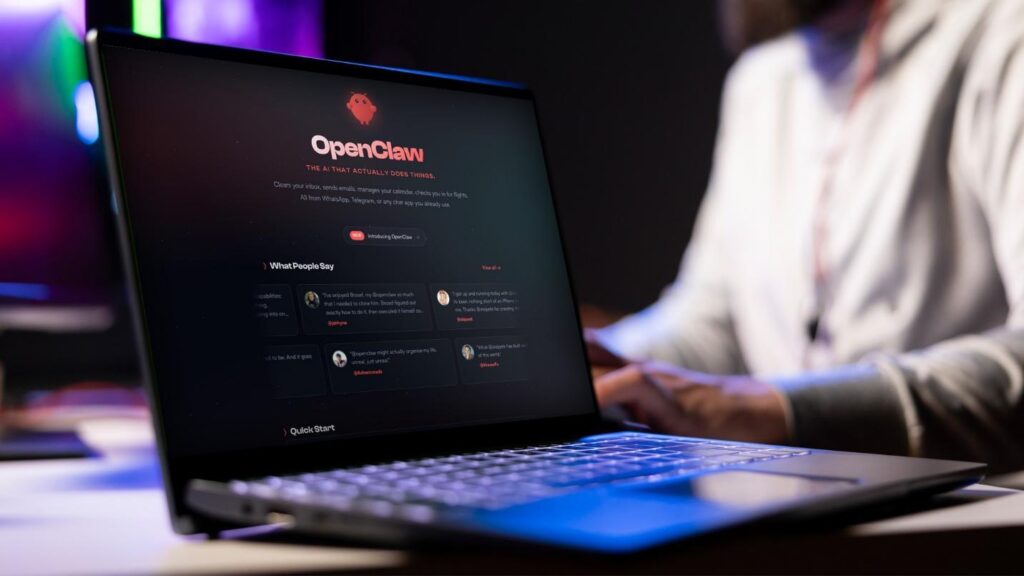
You probably didn’t plan to depend on it. Most people install OpenClaw the way they install any new tool: out of curiosity, on a Saturday afternoon, on whatever spare VPS or old laptop happened to be sitting around. You connect it to Telegram, ask it to summarize your inbox, and within a week it’s pulling GitHub pull requests, drafting reports, and pinging you when a server metric looks off.
That’s the trap. OpenClaw is genuinely useful fast, which means the gap between “fun side project” and “thing my work actually runs on” closes before you notice it happened. This post isn’t another feature checklist. It’s a list of the quiet signals that tell you your setup has outgrown the box it’s running on, and what to do once you notice them.
Table of Contents
Sign 1: You’ve Stopped Checking on It
Early on, you probably logged into your server constantly, watching logs, tweaking config, making sure the agent didn’t do anything weird. That vigilance fades. Once OpenClaw starts working reliably, you stop looking.
That’s exactly when a quiet failure becomes expensive. An agent that’s been silently down for two days doesn’t announce itself. You find out when the report you expected never showed up, or when a task you assumed was handled never actually ran. The less you check on something, the more that something needs someone else watching it for you, which is the entire reason dedicated OpenClaw hosting exists instead of everyone running their own box forever.
Sign 2: A Missed Update Actually Cost You Something
Fast-moving open-source agent projects ship security patches often, and OpenClaw is no exception. When your agent has terminal access, file permissions, and a live connection to your accounts, a delayed update isn’t a minor inconvenience. It’s an open door.
If you’ve ever found yourself reading a changelog after the fact and realizing you were running a vulnerable version for weeks, that’s a sign worth paying attention to. Patching promptly requires someone treating it as a job, not a someday task on a list. On a spare VPS, that someone is you, squeezed between everything else you’re doing. On a managed platform, it’s the provider’s actual responsibility.
Sign 3: You’re the Only One Who Knows How It Works
This one sneaks up on teams especially. Somebody set up the OpenClaw instance, configured the “Soul” file that defines what it’s allowed to do, wired up the integrations, and now that person is quietly the single point of failure. If they’re on vacation and the agent breaks, nobody else knows where to even start.
That’s a maintenance problem disguised as a convenience. A tool that only one person understands isn’t really infrastructure yet. It’s a favor that person is doing for everyone else, and favors run out.
Sign 4: Your Agent’s To-Do List Keeps Growing
You started with one simple task. Now it’s monitoring three repos, drafting client reports, watching server health across a small fleet, and fielding requests from more than just you. Each new responsibility adds a little more risk to the pile, because more integrations mean more things that can silently break, and more people relying on output means less room for “it’ll be fine.”
At some point the workload outpaces what a single unmonitored server was ever meant to carry. That’s not a failure on your part. It’s just the natural result of building something useful.
What Actually Changes With Managed Hosting
Moving to a managed OpenClaw provider doesn’t change what the agent does. It changes who’s responsible for keeping it alive. Instead of you being the monitoring system, the update schedule, and the on-call engineer all at once, a provider handles provisioning, uptime, patching, and backups, so your job goes back to just telling the agent what you need.
Practically, that usually means:
- Uptime monitoring that catches a crash before you find out about it the hard way.
- Security patches applied on a schedule, not whenever you remember.
- A dashboard someone besides you could look at if needed.
- A support line for when something breaks in a way you don’t recognize.
You’re Probably Also Weighing Other Agent Tools
If OpenClaw started as one option among several, you’re not alone. A lot of people evaluating autonomous agents look at more than one framework before committing, especially if a previous attempt with something like Manus didn’t quite fit the workflow. It’s worth reading through a comparison of Manus alternatives if you’re still deciding, since the right pick usually comes down to which messaging platforms you actually live in and how much you want to be able to change about the agent’s behavior later.
Whichever tool you land on, the hosting decision is separate from the tool decision, and it deserves its own honest look once you’re past the experimenting phase.
The Real Question to Ask Yourself
Forget the feature comparisons for a second. Ask yourself one thing: if your OpenClaw instance went down right now, would you notice within the hour, or would you find out tomorrow when something you expected didn’t happen?
If the honest answer is “tomorrow,” that’s your sign. You’ve built something that matters, and it’s time it lived somewhere built to keep it running, not just somewhere it happened to start.


