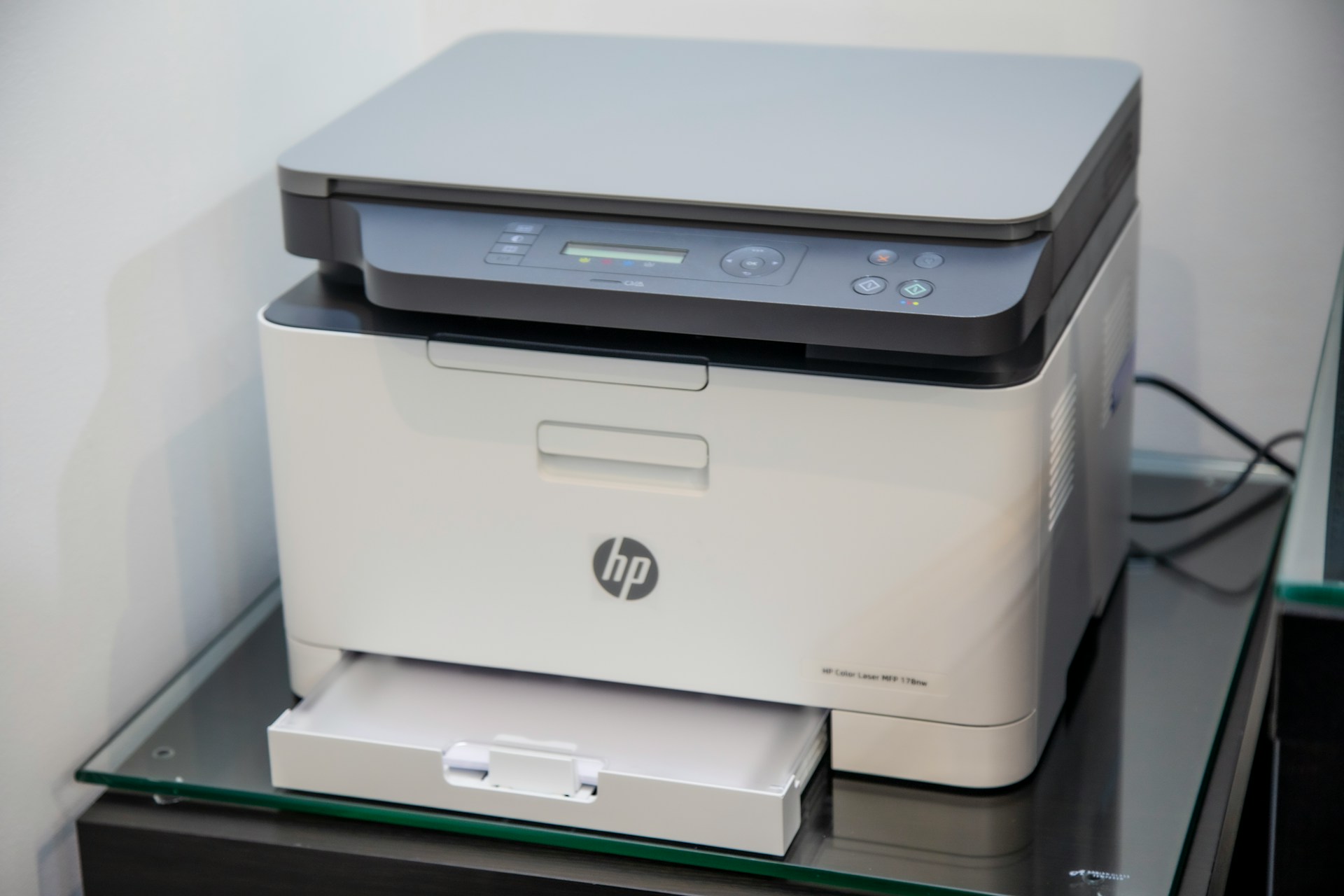
Printer administration is one of those tasks that often gets ignored until something goes wrong. Whether it’s running out of toner, dealing with paper jams, or troubleshooting connectivity issues, poor printer management can quickly disrupt productivity. By putting a few simple systems in place, you can make printer admin far easier, more predictable, and far less stressful.
Table of Contents
Standardize Your Printer Setup
One of the easiest ways to simplify printer admin is to standardize where possible. Using the same printer models across an office makes maintenance, troubleshooting, and ordering supplies much simpler. It also reduces confusion for staff and ensures compatibility with the same ink or toner cartridges. The only exception to this could be when a team requires crisp, clean images printed. They might be better off with a quality printer that meets these needs, but for the rest of the office, there’s no need to waste ink on a printer like this when they need basic prints. The alternative option is to invest in these quality printers throughout, but it will depend on your budget.
Know Reliable Suppliers for Ink and Toner
Running out of ink or toner unexpectedly is one of the most common printer-related problems. Knowing reliable suppliers in advance removes the panic when supplies suddenly run low. Trusted online suppliers often offer better pricing and next-day delivery, making it easy to restock quickly without disrupting work. Having a go-to supplier for printer ink and more ensures continuity and saves time searching for options at the last minute.
Track Usage and Monitor Stock Levels
Printer admin becomes much easier when you actively monitor usage. Keep a simple log or use printer software to track how much printing is being done and how quickly supplies are used. This allows you to reorder ink or toner before it runs out, rather than reacting after the printer stops working.
Schedule Regular Maintenance
Small maintenance tasks can prevent much bigger issues. Regularly cleaning printers, checking for firmware updates, and replacing worn components such as rollers can extend the life of the machine. Scheduled maintenance reduces breakdowns and ensures consistent print quality.
Set Printing Rules and Defaults
Default printer settings can have a big impact on efficiency. Setting printers to double-sided or black-and-white printing by default reduces unnecessary ink and toner usage. Clear printing guidelines should also discourage waste and help extend the lifespan of consumables.
Assign Responsibility
Printer admin works best when the responsibility for it is clear. Whether it’s an individual or a small team, having someone accountable for ordering supplies, monitoring issues, and liaising with suppliers prevents problems from being overlooked. Clear ownership also ensures faster response times when something goes wrong.
Review and Improve Your Setup Regularly
As printing needs change, your printer setup should evolve too. Periodically review whether your printers are still suitable for your workload. Upgrading to a more efficient model or consolidating devices can significantly reduce admin time and running costs.
Final Thoughts
Printer admin doesn’t have to be complicated. With standardized equipment, reliable suppliers, regular monitoring, and clear responsibility, managing printers becomes a straightforward task rather than a recurring headache. A little planning goes a long way in keeping printing smooth, efficient, and stress-free.


