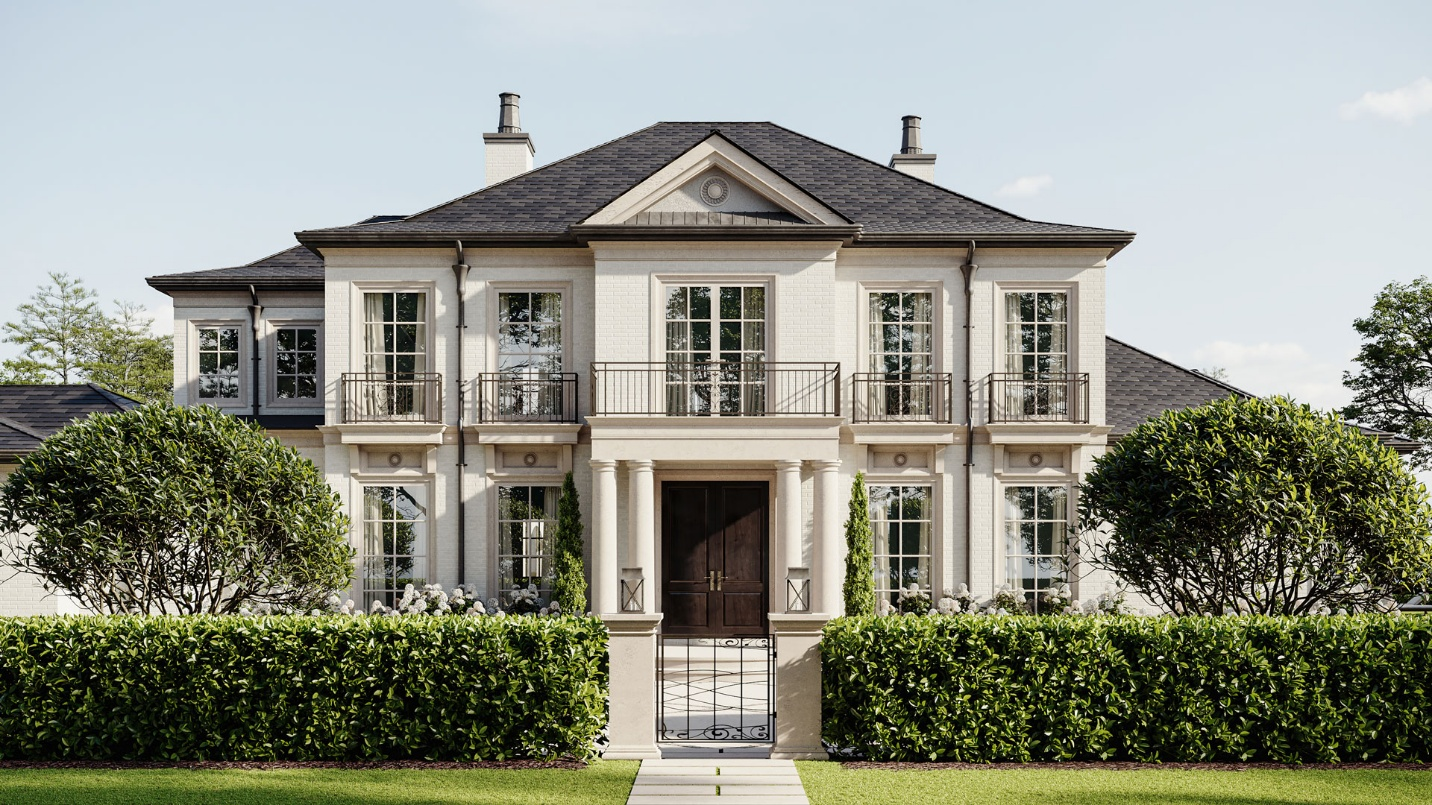
Stakeholders don’t buy spreadsheets — they buy what they can see. Whether you’re opening a first location, refreshing a format, pitching a landlord, or pre-selling a new product line, 3D visualization lets you present the experience before money and timelines harden. Use this guide to understand what to ask for, when to use it, and how to measure ROI.
Table of Contents
What Is 3D Visualization (Founder Definition)
3D visualization turns your space or product into photoreal stills and short videos from a virtual model. Unlike CAD or mood boards, it communicates scale, light, materials, and flow at human height — the context non-design stakeholders need to say “yes.”
Why Founders Should Use Visuals Early
- Faster buy-in. Walkthroughs reduce abstract debate to concrete choices (Layout A vs. B, finish X vs. Y).
- Cheaper changes. You’ll catch aisle pinches, glare, and awkward sightlines before procurement and build.
- Marketing before photos. Hero stills and short vertical clips power pages, PR, and ads months ahead of opening.
- One source of truth. Teams, vendors, and franchisees align on the same frames — fewer misreads, cleaner installs.
No in-house capacity? A specialist partner like https://archicgi.com/ can turn sketches, measurements, and brand cues into decision-ready visuals while your core team stays on product and traction.
Deliverables You’ll Actually Use
- Main walkthrough (20–90s, landscape). Decision video for decks, landlord packets, investor updates, and your site.
- Vertical cut-downs (9–15s). Labelled micro-clips (e.g., “Arrival → Island → Dusk”) for social and ads.
- Hero stills (4K). Thumbnails, product pages, store-locator, PR.
- Context photomontage. Render composited into a real street or concourse photo — great for approvals.
- Annotated frames (optional). Captions for pendant heights, centerlines, clearances, edge details — bridges visuals to RFQs and on-site execution.
Briefing Checklist: Inputs That Save Time
Create a single folder before you commission anything:
- Measurements & plan: length × width × height, door/window sizes, key equipment footprints (or a simple PDF plan).
- Context photos: each corner of the room; approach shots from street/mall concourse; tabletop context for products.
- Materials & mood: finishes, palette, logo/brand cues, packaging dielines if relevant.
- Top 3 decisions to answer: e.g., “aisle width vs. seating,” “evening warmth,” “shelf visibility from entry.”
- View list:
- Spaces → arrival, first wide, details, exit
- Products → hero still, 360 spin, 6–10s in-use
- Success sentence: one line that governs scope, e.g., “We need a landlord ‘yes’ on canopy depth and signage.”
Clear inputs usually mean one blocking pass, one materials/lighting pass, and a final — without schedule creep.
High-Impact Use Cases
Retail / F&B (first site, pop-up, or refresh)
Show entry → order/merch flow → seating → exit, plus dusk on the façade. Landlords and centres decide faster when they can “walk” queue lines, accessibility routes, and signage luminance.
Clinics / Services / Studios
Walkthroughs clarify privacy, hygiene cues, and wayfinding. Regulators and partners respond to human-scale views, not just drawings.
Office / Co-working
Demonstrate density, daylight, acoustic buffers, and collaboration zones so HR and tenants can picture the day-to-day.
DTC Product Pre-Sales
Hero stills, a 360 spin, and a 6–10s “in-use” loop validate demand before manufacturing and give you A/B test assets.
Franchise / Multi-Site Rollout
Lock finishes, counter heights, and lighting color temperature in a visual kit. Regional vendors then bid and build to the same picture — lower variance, fewer support tickets.
Metrics That Prove ROI
Track practical signals; if they improve, the visuals are paying for themselves:
- Approval speed: submission → landlord/municipal “yes.”
- Change-order rate (visual issues): aim near-zero after sign-off.
- Launch variance: days from plan to actual open/go-live.
- Asset reuse count: deck, approvals, ads, PR, RFQs, franchise kits.
- Pre-sale / lead conversion: CTR and CVR on pages using renders vs. placeholders.
Legal & Approvals (Landlords, Municipalities, Neighbors)
- Landlord packet: day + blue-hour façade, signage glow below window lines, queue management, accessibility routes.
- Municipal: honest surroundings and heights; lighting that matches spec.
- Neighbors: dusk scene that shows glow, not glare to defuse light-pollution concerns.
- Add a disclaimer: “Visualization — subject to change.” It protects iteration room as specs evolve.
Common Mistakes (and Clean Fixes)
- Beautiful but wrong. Flawless clip, incorrect ceiling height or mullion rhythm.
Fix: align a context checklist (heights, grids, adjacencies) before detailing. - Aimless fly-throughs. Impressive sweeps that don’t inform decisions.
Fix: keep cameras mostly at eye level; script four beats — arrival, reveal, details, exit. - Showroom lighting. Over-bright scenes mislead about glare and evening mood.
Fix: request believable day and blue-hour passes with realistic luminance/colour temperature. - Scope creep. Ten “quick tweaks” = a new scope.
Fix: one major change per round; use timestamps; decide A vs. B, then move on. - Asset sprawl. Files everywhere, no system.
Fix: versioning (v1-block / v2-materials / v3-final), standard names, one-page index.
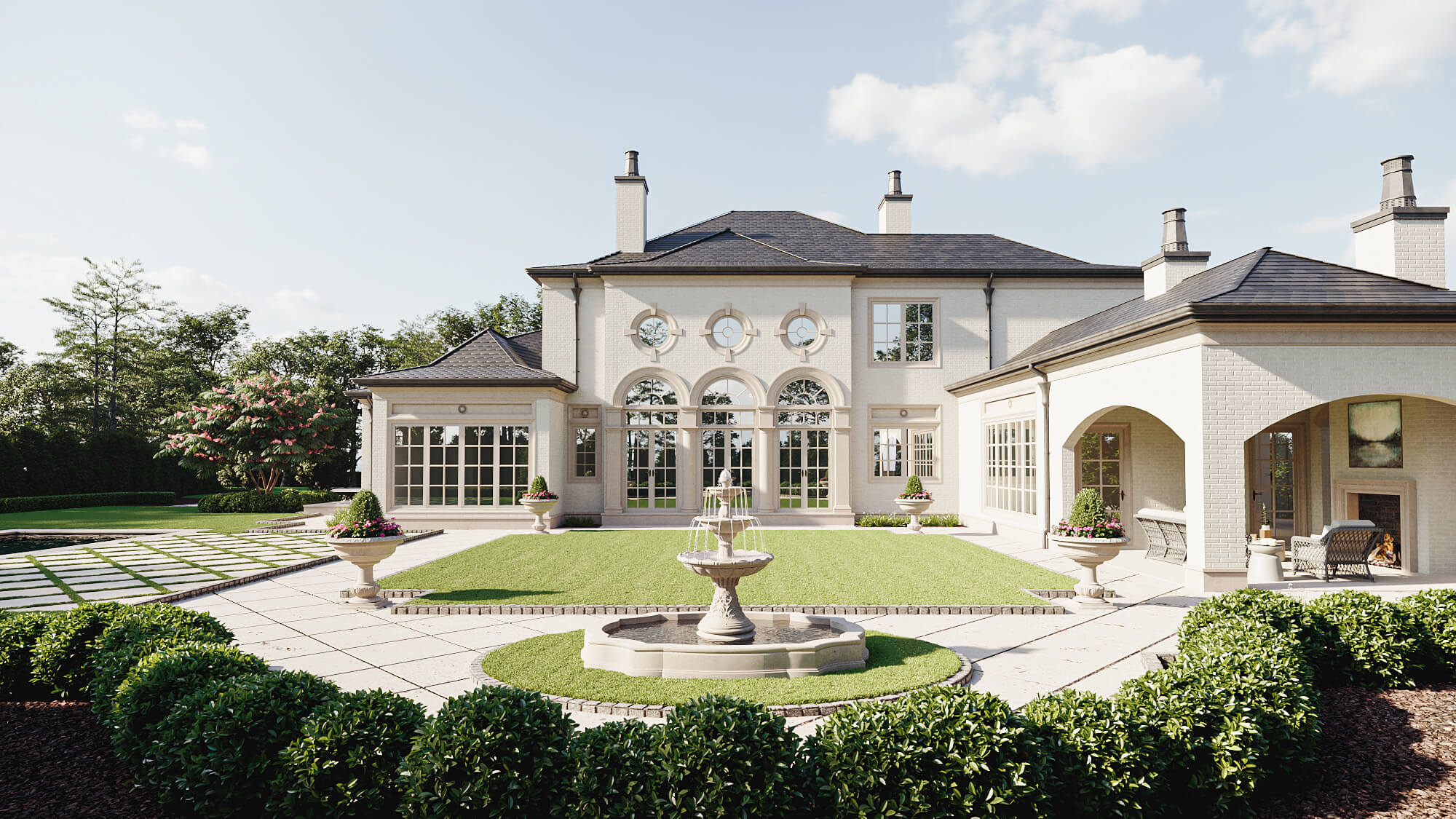
Lean Timeline From Brief to Launch
- Days 0–2 — Prep: assemble the inputs folder + success sentence.
- Day 3 — Kickoff (30–45 min): lock views, priorities, delivery formats, versioning.
- Days 5–7 — Blocking pass: low-detail geometry, camera paths, rough light direction. Approve angles/story.
- Days 8–12 — Materials & lighting pass: finishes, reflections, dusk mood, signage glow. Provide timestamped feedback.
- Days 13–15 — Finals & derivatives: main cut, vertical cut-downs, hero stills, annotated frames. Publish same day across deck/site/ads.
Scale up or down based on scene complexity and the number of variants.
Conclusion
You don’t just sell a product or a space — you sell confidence. 3D visualization gives investors, landlords, partners, and customers a felt experience of your vision before dollars and days lock in. Used well, it speeds approvals, reduces change orders, and creates reusable assets that power your go-to-market long before you can shoot real photos.
Start small: pick one decision that’s blocking progress, assemble the inputs, commission a single decision video plus a hero still, and commit to two feedback rounds. Put the assets to work the day they land. Seeing it before building it is how founders move faster — with fewer regrets and a lot more momentum.


