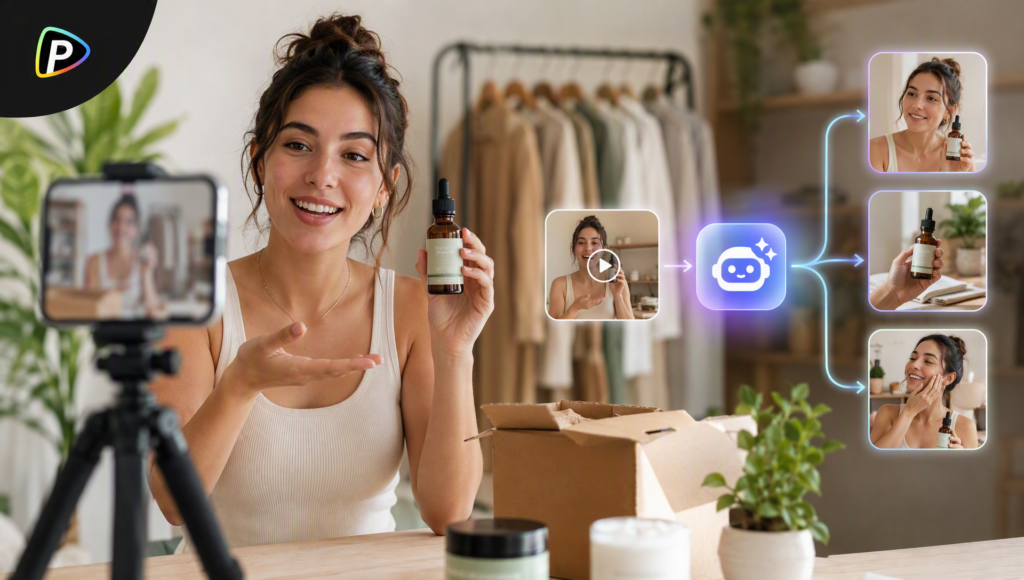
Small businesses can use AI ad generators to create UGC-style ads without hiring creators or arranging shoots. Pollo AI’s AI Ad Generator turns product URLs, images, or campaign ideas into UGC, product, and social media ads, simplifying the process from concept to video. This guide explores its key features and how to use them to create ads for your business.
Table of Contents
Why Use Pollo AI for a Small Business UGC Ad?
A small business often needs more than one ad for the same product. One video might focus on the problem the product solves, while another might show how it is used.
Producing each version with a real creator can quickly add up in cost and time. Pollo AI ad generator gives the business a way to create these variations from the same product information and change the presenter, message, or angle as needed.
It is particularly useful when the business already has a product page but does not have video footage ready to use. Instead of starting with filming, the workflow starts with information the business already has.
How to Create a UGC-Style Ad with Pollo AI
Step 1: Add the Product Information
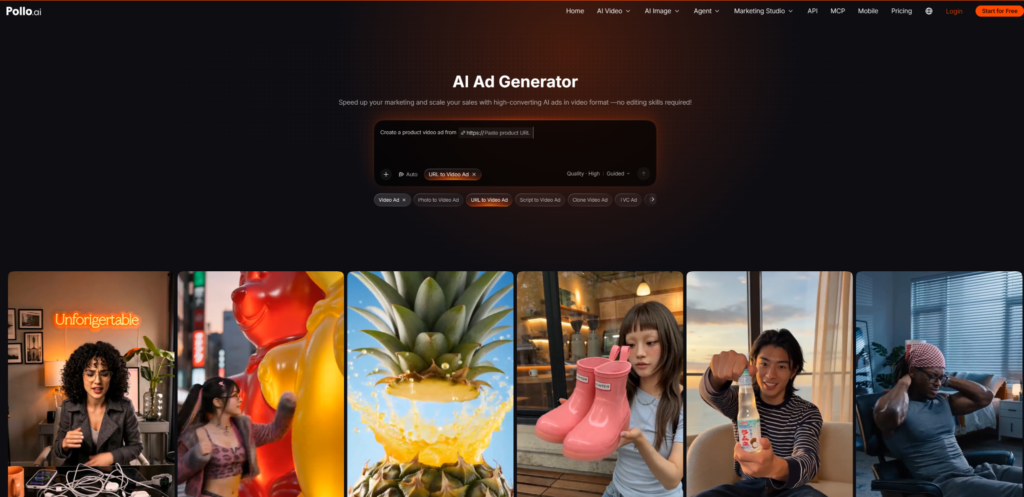
Open the AI Ad Generator on Pollo AI and provide a product URL, image, or campaign idea. For online stores, a product URL is often the easiest starting point because the page already contains product details and images.
Check that the information is accurate and up to date before generating the ad. Then choose one main selling point to highlight rather than trying to cover every feature in a short video.
Step 2: Choose an Avatar and Write a Simple Brief
Choose an avatar and describe the campaign goal, tone, and CTA. Keep the brief clear and focused on one message.
The avatar should suit the product and target audience. A casual presenter may work well for lifestyle products, while a more professional style may suit business software.
Step 3: Generate the Ad and Check the Details
Click Send to generate the ad, then review it before using it in a campaign.
Check that the product’s appearance matches the real item and that the script contains no unsupported claims, incorrect discounts, or misleading information.
Also review the opening. Since many people scroll through social media with the sound off, the first few seconds should communicate the product and its purpose visually or through captions.
Step 4: Make Different Versions, Not Minor Repeats
Once the first ad is usable, create a few versions with different angles. For example, a skincare brand could focus on a common concern in one video, a morning routine in another, and a specific product benefit in a third.
Pollo AI supports UGC, product, TVC-style, and social media ad formats, giving businesses options for presenting the same product in different ways.
Change the message or approach meaningfully between versions. Minor variations with the same opening and content offer little insight into which approach works best.
Step 5: Review It for the Platform Before Publishing
Different platforms may call for different pacing and openings. Before publishing, check the CTA, product URL, subtitles, voiceover, promotional details, and product claims.
Pollo AI’s AI Ad Generator supports advertising use cases for TikTok, Instagram, Facebook, and YouTube. Make sure the finished video suits its intended placement and feels relevant to the target audience rather than like a long sales pitch.
What Should a Small Business Put in a UGC Ad?
A short UGC ad does not need to explain every product feature. A simple structure works well: introduce a problem, show the product in use, highlight one benefit, and finish with a clear CTA.
For example, a kitchen brand could show someone preparing breakfast before work, demonstrate a portable blender, highlight its compact design, and invite viewers to visit the product page. Other features can become the focus of separate ads.
Conclusion
AI Ad Generator from Pollo AI gives small businesses a way to create UGC-style ads from an existing product URL, image, or campaign idea without arranging a shoot.
For better results, start with accurate product information, one clear selling point, a suitable avatar, and a focused brief. Review the generated video for product accuracy and unsupported claims, then test versions with meaningfully different approaches on the platforms where they will run.


