A founder opens a folder of AI-generated product videos. There are twelve clips, several striking camera moves and one small problem: only two could actually go on the business’s website. The others change the product, leave too little space for a headline or need more repair than the founder has time to do.
That is a more useful starting point for an AI video budget than the number of generations included in a subscription. A generation is an attempt. A usable clip is a deliverable. Confusing the two makes a small monthly fee look like the whole production cost.
For an owner doing the editing alongside sales, fulfilment and customer support, the hidden expense is often attention. The right question is not simply “How much does this tool cost?” It is “What will it take to produce the particular asset this business needs?”
Table of Contents
Name the deliverable before buying more attempts
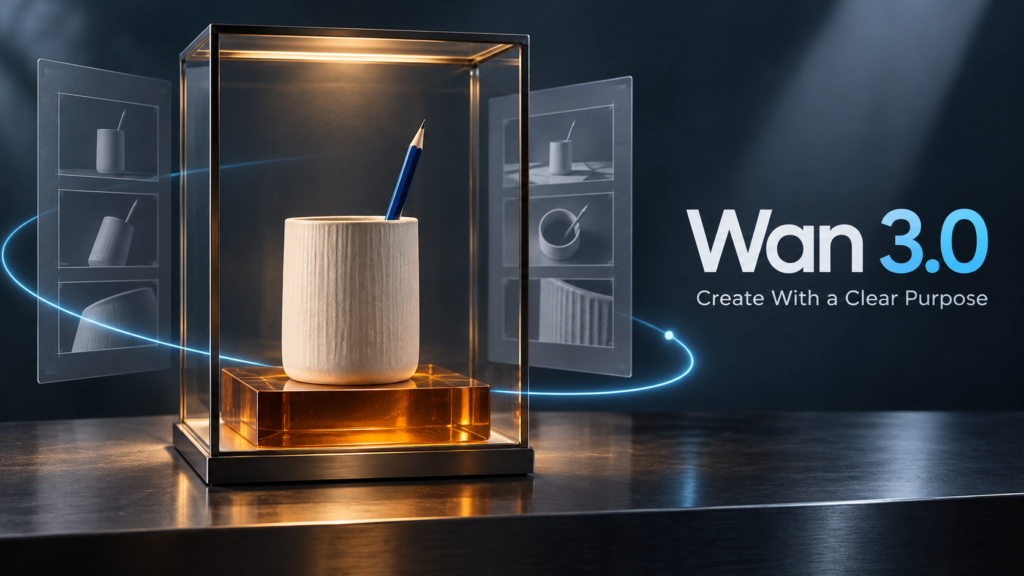
Imagine an independent desk-accessory shop introducing an ivory ceramic pen cup. It needs a short product-page clip that gives a gentle view of the shape and texture, with clear space for a headline added during editing. It does not need an elaborate story, moving people or a room full of additional products.
Define what counts as usable before generating anything: the cup remains recognisable, its shape does not visibly change, the framing suits the page, and the intended copy can be added without hiding it. A beautiful clip that fails those conditions is not a finished asset for this job.
Wan 3.0 supports text-to-video and image-to-video creation, giving the owner a choice between describing a scene and starting from a still image. A product-led brief may suit the image route, while an entirely imagined campaign setting may begin with text. The starting material guides the attempt; it does not guarantee an accurate product depiction.
Check the current generation settings and credit charge for the selected mode before committing a budget. Available controls and costs belong to the actual workflow you will use, not a headline allowance. Commercial-use terms also need to fit the intended placement.
The invoice is only one part of the cost
A simple production log is enough. Record the spend assigned to this job, the time spent preparing inputs, the time reviewing attempts, and the work needed to finish the accepted clips. Rejected versions still consumed part of that budget.
For a management estimate, use this calculation:
Suppose a fictional project uses $20 of tool spend and two hours of preparation, screening and editing. If the owner values that time at $30 an hour, the project’s estimated cost is $80. Two accepted clips give a cost of $40 each. These are illustrative budgeting figures, not Wan 3.0 pricing or a measured success rate.
Keep cash and time visible separately. The owner has not necessarily paid out $60 in labour, but the two hours were unavailable for something else. If a designer or editor is hired, use their actual invoice rather than adding an imputed time cost for the same work.
A subscription shared across several jobs needs a consistent allocation method. Do not charge its entire fee to every project, or treat it as free after the first one. Usage-based allocation may be appropriate when credit consumption is known; another reasonable method may suit occasional use. What matters is making like-for-like comparisons.
Find the expense that keeps returning
For the ceramic cup, repeated failures may come from the request rather than from a lack of attempts. An instruction that asks the cup to rotate, pens to appear, the background to transform and the camera to orbit creates several opportunities for the result to depart from the brief.
Sort the rejected attempts by why they could not be used:
- Input problem: the still is too tightly cropped or does not show the feature the clip needs to reveal.
- Motion problem: the requested movement distorts the subject or makes its shape difficult to read.
- Finishing problem: the clip looks acceptable but requires substantial work to fit the actual page.
Those categories point to different spending decisions. Improving the source photograph may be more sensible than generating again. A smaller camera move may better serve a simple product page. If every result needs a complicated crop, the deliverable’s framing needs attention.
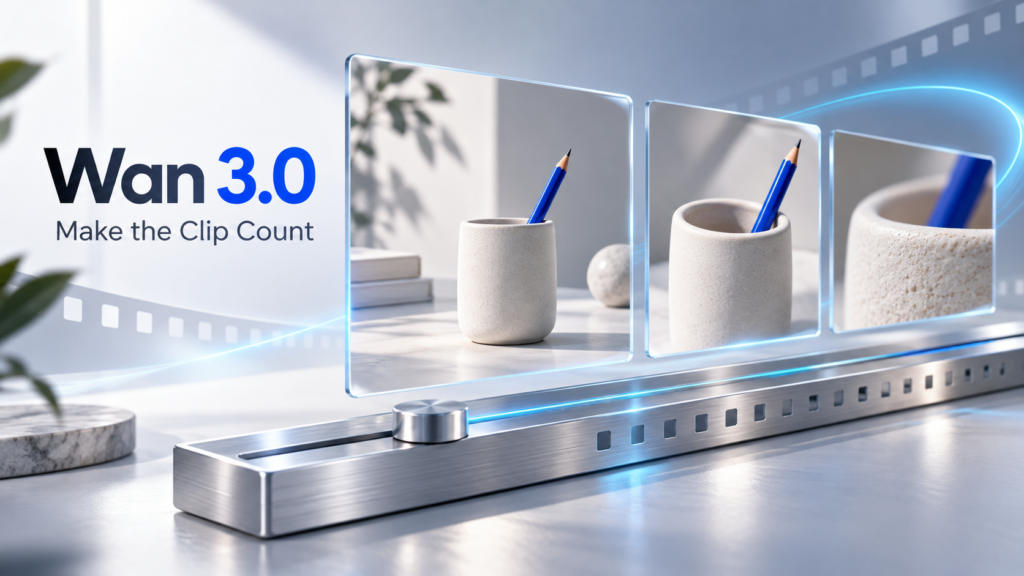
Wan 3.0 image-to-video generator gives this example a direct starting point: an eligible product image plus a description of the intended movement. A restrained request to move the camera slightly while the cup stays still keeps the task focused. The result still needs checking against the actual object before it is used to represent something customers can buy.
Set a stopping rule while the budget is still intact
Decide in advance how much money and time this particular asset warrants. When that limit is reached, pause and choose between changing the approach, using a still image or commissioning a conventional shoot. Continuing because the last attempt was nearly right can quietly turn a small task into an afternoon.
The alternative should match the job. A well-lit photograph may explain a static object adequately. A real demonstration is more appropriate when buyers need evidence of a moving mechanism or performance claim. AI video earns its place when its creative treatment contributes something the simpler format does not.
Accepted does not mean effective, either. A usable clip can still add little to a product page. Watch whether it helps communicate the offer; do not count views alone as proof of commercial value. Keep production cost and business results as separate questions.
Buy a result your business needs
Wan 3.0 can be part of a founder’s content toolkit without becoming the answer to every visual task. The ceramic-cup example calls for one readable product view, not a folder of cinematic experiments.
Finish the clip that meets the brief, record what it took, and use that record for the next budget. The most useful number is not how many videos you generated. It is what it cost to obtain an asset you had a reason to use.


