There are over 80,000 startups nationally, and bootstrapping just one requires extreme resource efficiency, because every dollar spent on agency retainers is a dollar stripped from product development. In the early days, lean execution dictates how software infrastructure scales without venture capital backing. Bootstrapped SaaS startups leveraging automated asset frameworks have the potential to achieve higher trial-to-paid conversion rates than traditional setups.
The bottleneck is rarely the code itself. It is the sheer volume of marketing, product, and brand design assets needed to look like a mature enterprise on day one.
Design debt kills momentum faster than engineering bugs. When your website looks amateurish, your conversion rates tank, regardless of how brilliant your underlying technology is. Fortunately, smart builders are deploying targeted generative-intelligence workflows to solve asset-generation bottlenecks without hiring full-time creatives.
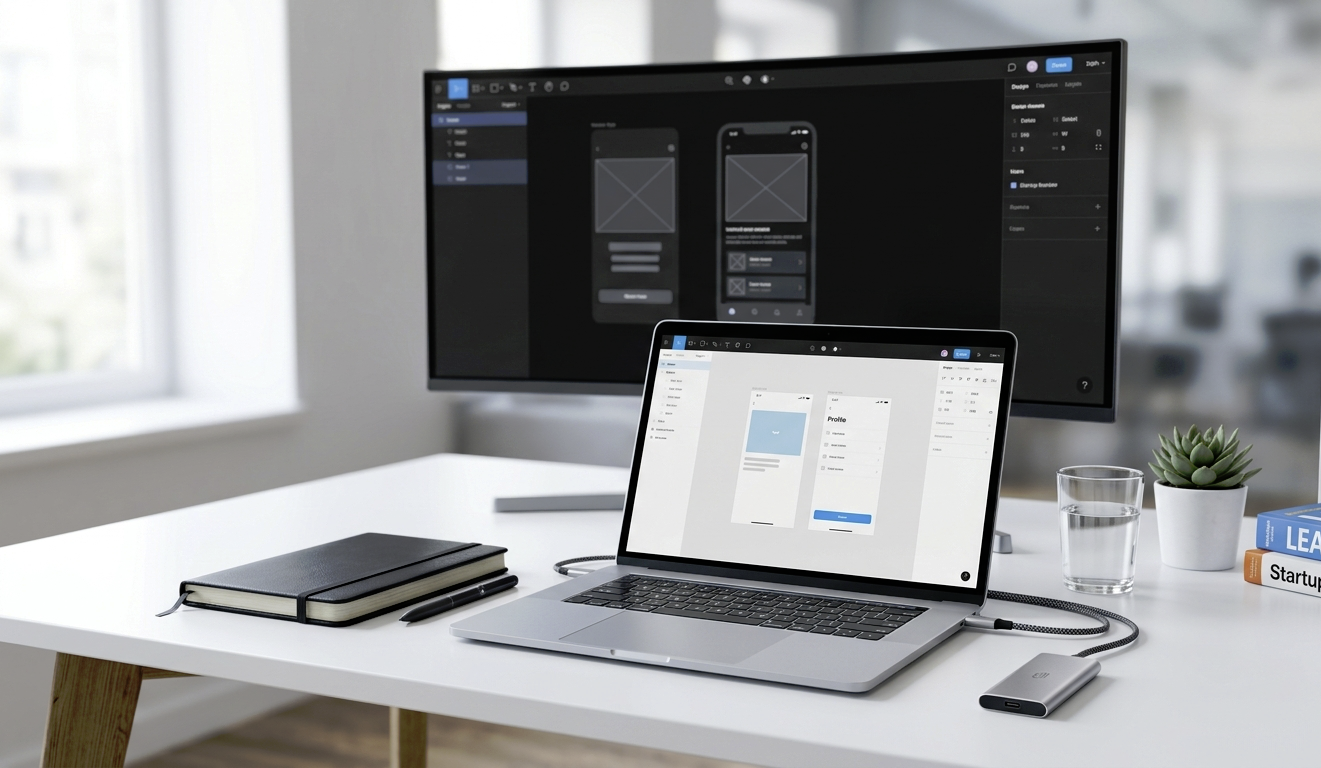
Image Source: Google Gemini
Table of Contents
1. Crisp Scaling For Brand Logos
A pixelated logo on a high-resolution landing page instantly destroys credibility. Most non-technical founders generate initial branding elements using standard generative platforms, which invariably produce flat raster images such as PNGs or JPGs. When you scale these files for a mobile app header or a pitch deck, the edges blur, and artifacts appear.
Instead of paying a freelance designer to manually trace your branding assets in Adobe Illustrator, developers use a free online AI image vectorizer. Passing your graphics through the Krea AI vectorizer converts standard raster images into mathematical SVG paths with zero degradation. This gives your bootstrap operation crisp graphics that scale seamlessly from a tiny favicon to a massive physical billboard.
The engineering shift toward asset automation allows solo operators to maintain complete control over visual assets. By keeping asset generation local and programmatic, you eliminate the friction of constant design iterations.
2. Instant Background Elimination
Product imagery and team headshots frequently arrive with distracting backgrounds that clash with your user interface design. Manually masking hair, clothing boundaries, and intricate product edges in traditional software takes hours of precise pixel clicking.
Automated computer vision models isolate foreground subjects in milliseconds. These cloud-based algorithms evaluate contrast boundaries to cleanly separate your core product from its environment.
The immediate benefit is a unified visual aesthetic across your entire digital presence. You can place your product mockups on dark-themed landing pages or light-themed documentation hubs without worrying about ugly white bounding boxes.
3. Dynamic Palette Generation
Choosing a cohesive color framework requires a deep understanding of visual psychology and color theory. Most technical founders default to generic bootstrap blue or a harsh monochrome palette that fails to resonate with their specific target demographic.
Modern palette assistance software uses deep learning to extract Harmonized Hex codes directly from inspiring photography or competitor interfaces. You simply upload an image reflecting the mood you want to project, and the tool builds a complete design token system.
This automation ensures your interface feels intentional and professional. The generated color tokens drop directly into your Tailwind configurations or CSS variables, meaning your design choices map perfectly to your code components.
4. Layout Assistants For Social Content
Distribution demands a relentless volume of visual content across LinkedIn, X, and other channels to capture early organic traction, and studies show it must be strategically aligned to work as intended. Creating individual graphics for every feature update or blog post is a massive time sink for a solo builder.
Smart operators use contextual design canvases like Canva Magic Design to instantly generate high-performing template variants. These assistants ingest your core message and automatically arrange typography, borders, and imagery in line with proven engagement principles. Early-stage teams rely on these tools to build pitch decks without specialized design skills, freeing up hours of development time.
5. Screen Mockup Generation
Showing your app in action is essential for converting landing page traffic into active trial users, alongside other impactful tools. However, taking raw screenshots of an early-stage UI often reveals half-baked elements, awkward text wrapping, or unpolished data tables.
AI-driven mockup engines wrap your raw interface shots in gorgeous hardware chassis, applying realistic shadows, isometric angles, and sleek background gradients.
The resulting graphics make your early beta software look like an established, enterprise-ready platform. You gain professional marketing assets to drop into landing pages, onboarding emails, and product documentation without opening a dedicated photo editor.
6. Automated Alt Text For Greater Accessibility
Web accessibility is no longer optional for software companies aiming for enterprise clients. Search engines penalize sites with poor image optimization, and missing alt text excludes thousands of potential users who rely on screen readers.
Computer vision models scan your site graphics and automatically generate accurate, context-aware alt text descriptions.
Using automated metadata tags provides significant advantages for early-stage companies:
- Enhanced search discoverability through optimized image indexing
- Flawless compliance with modern digital accessibility standards
- Improved user experience for visitors using low-bandwidth networks
7. Automated Iconography Sets
An interface using mismatched icon packs looks fragmented and confusing. If your settings cog is sharp and thin-lined, but your user profile icon is rounded and bold, the user experience feels disjointed.
Generative model pipelines allow you to define a specific geometric prompt parameter and output hundreds of perfectly matched UI indicators. You specify the stroke weight, corner radius, and color scheme once. The system then outputs every single asset your interface requires, ensuring a completely cohesive experience from your navigation drawer to your payment checkout screens.
Optimizing Growth Strategy For Solo Builders
Building in public requires a balance between feature shipping and continuous brand marketing. If you spend your entire week tweaking gradients or trying to align text containers, your product velocity drops to zero.
Leveraging automated generation loops keeps your operation lean, agile, and visually competitive. We’ve got plenty more posts geared towards up-and-coming entrepreneurs, so read more and you’ll soon have new ideas for getting your next project off the ground efficiently.


