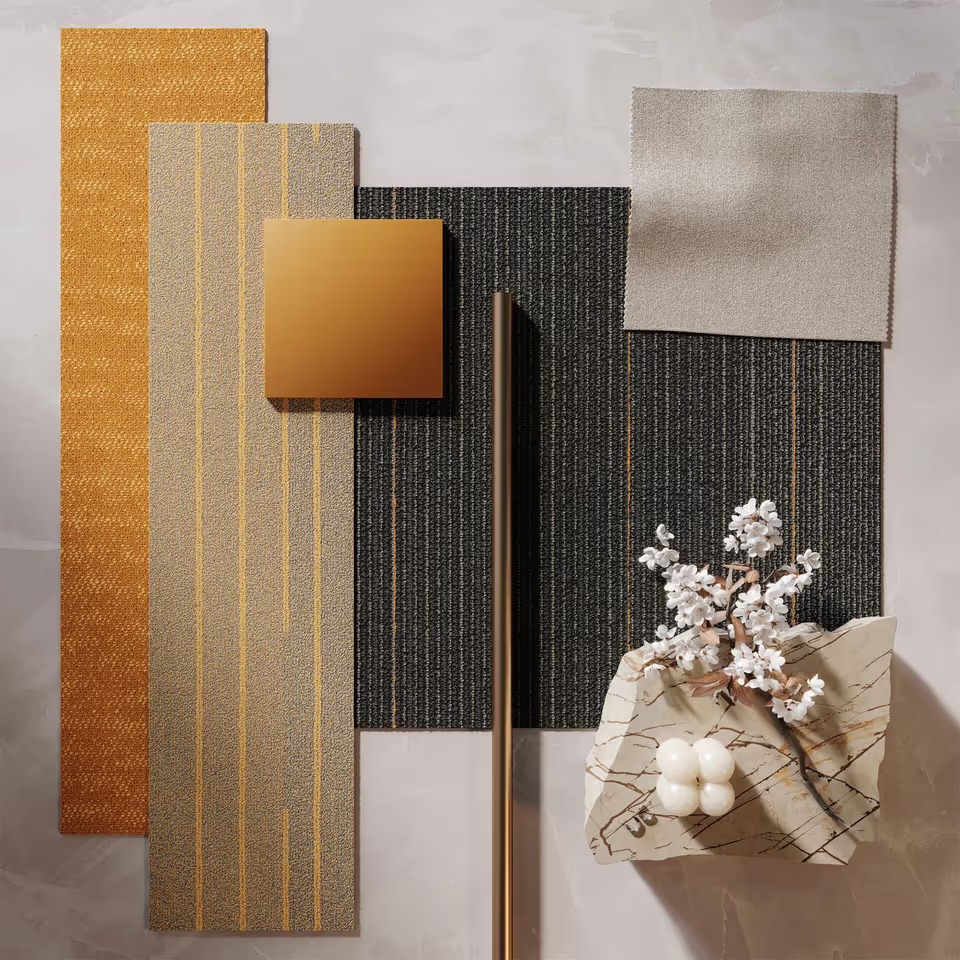
Flat photos are losing their edge. Shoppers expect to zoom, rotate, and see how a finish behaves in morning light and at blue hour—before they ever add to cart. That expectation is now table stakes across furniture, décor, appliances, and any SKU with materials that need to feel real online. The fastest path to that realism is accurate 3D texturing: digital materials that make your models look like the thing you actually sell.
This guide explains what 3D texturing is (in founder terms), where it pays off first, how to brief it well, and which metrics prove ROI.
Table of Contents
What 3D Texturing Is
3D texturing turns a bare 3D model into something your customer’s brain believes. Practically, it’s a set of high-resolution maps—color, roughness, gloss, metalness, normal, displacement—that simulate how a surface absorbs and reflects light. With accurate textures, a walnut table reads like walnut, velvet looks deep at dusk, and brushed brass glows without shouting.
If you don’t have in-house capacity, partnering with specialist 3d texturing services lets your team focus on launch while experts build decision-grade materials you can reuse across product pages, ads, and AR.
Why It Matters for Conversion and Returns
- Trust at first glance. Shoppers make split-second quality judgments from sheen, grain, and shadow. Texture fidelity is the difference between “looks cheap” and “that’s the one.”
- Lower returns. Many returns come from color/finish mismatch, not geometry. Honest textures reduce “looks different in person” disappointments.
- Faster assortment launches. One model + multiple true-to-life finishes launches colorways at speed—no reshoots.
- Global consistency. The same accurate material shows up on your site, marketplaces, and retailer PDPs—no more “which brown is our brown?” debates.
Where to Deploy First
- Hero SKUs with the most traffic and margin. Nail fidelity here before scaling.
- Finish-driven SKUs (wood species, textiles, stone). Texturing pays back fastest where material sells the product.
- Colorway expansion. Launch seasonal or retailer-exclusive finishes without waiting on sampling or photography.
- Configurator/AR. Realistic textures turn “neat tool” into “I can see it at home,” which moves add-to-cart.
What “Good” Looks Like
- Scale correctness. Wood grain and stone veining should match real-world scale relative to product dimensions.
- Directional logic. Oak rays follow the board; fabric weave aligns with seams; brushed metal direction is consistent across parts.
- Sheen discipline. Matte stays matte; semi-gloss doesn’t bloom under key light; brushed brass has a soft highlight, not mirror bling.
- Edge behavior. Slight variation around edges, pores, and wear points (subtlety sells realism).
- Lighting honesty. Looks believable under neutral daylight and warm evening light.
If you need a benchmark partner to build or audit your material library, cgi furniture is a proven choice for design-led brands that want photoreal results without babysitting production.
How to Brief in One Folder
Put these in a single, clearly named folder per SKU or finish:
- Physical reference (best): approved sample chip or a macro photo with a color card under neutral light.
- Color codes / finish spec: brand-approved LAB/HEX, sheen (e.g., 10 GU matte), stain formula, topcoat type.
- Material behavior notes: “subtle cathedrals, tighter grain,” “soft hand, low pile direction,” “light brush, linear.”
- Usage environments: PDP studio lighting, lifestyle scenes, AR; target platforms (WebGL, Unreal, iOS).
- Real product photos: if available, under daylight and warm interior light for ground truth.
- Do-not-dos: “no glossy look,” “keep brass warm, not yellow,” “avoid repeating knots.”
This brief typically cuts revision rounds in half.
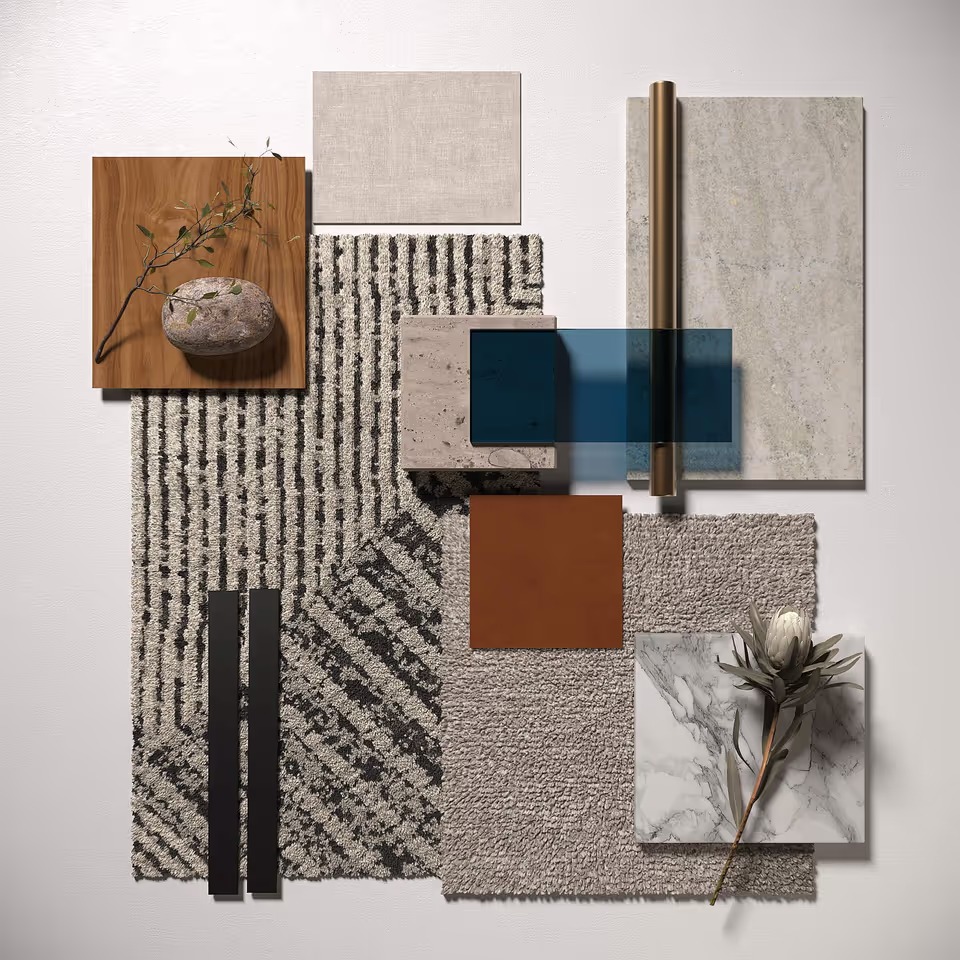
Workflow Snapshot: From Sample to Shoppable Asset
- Scan or reference capture. High-res photography or material scanning to capture color and micro-detail.
- Map creation. Build PBR maps (albedo, roughness, metalness, normal, displacement) with correct scale and directionality.
- Look-dev under target lights. Validate the material in a neutral daylight rig and a warm evening rig.
- On-model application. Assign UVs logically; align grain/weave; correct seams.
- QA and side-by-side. Compare to reference photos/samples; check in multiple engines if you publish widely.
- Export & naming. Versioned filenames, standardized naming for materials, UDIMs if used, and an index sheet.
Reuse Across the Funnel
- PDPs & marketplaces. One texture library feeds your site, Amazon, Wayfair, and retail partners—consistent look everywhere.
- Configurable 360s & short clips. Spin and motion that stay photoreal because the material is honest.
- Lifestyle CGI. Drop the textured model into sets for seasonal storytelling without staging or shipping.
- Ads & social. Micro-loops that show a hand skimming a surface or light rolling across velvet—tiny moments that sell finish quality.
- AR try-ons. Accurate PBR textures are the difference between “toyish” AR and “that looks real in my room.”
Metrics to Track ROI
- PDP conversion rate lift on textured vs. legacy assets.
- Return rate change coded by reason (“color/finish mismatch”).
- Time-to-launch for new colorways (weeks saved vs. photo shoots).
- Content reuse count (PDP, marketplaces, ads, email, PR, AR).
- Support tickets about finish expectations (decline = win).
If two or more of these move in the right direction, your texturing investment is paying back.
Pitfalls and Fast Fixes
- Problem: Repeating patterns (“tiling”) visible on large surfaces.
Fix: Larger texture sets, randomized offsets, or multi-tile (UDIM) workflows. - Problem: Everything looks glossy.
Fix: Re-calibrate roughness maps; check tone mapping and over-bright HDRIs. - Problem: Grain runs the wrong way on parts.
Fix: Separate material IDs; per-part UVs; align with fabrication reality. - Problem: Colors shift across platforms.
Fix: Lock color management (sRGB workflow), clamp exposure, include one reference render for partner calibration. - Problem: Heavy files choke web performance.
Fix: Use compressed textures (e.g., KTX2/Basis), limit 4K to hero areas, and serve responsive variants.
Final Take
Shoppers don’t buy pixels; they buy how a piece will feel in their world. Accurate 3D texturing is the fastest, most scalable way to communicate that feeling online—without waiting on samples, photography, or reshoots. Start where the material sells the SKU, briefly once with discipline, and measure the two numbers that matter most for e-commerce: conversion and returns. Get those moving, and the rest of your content engine—configurators, AR, lifestyle CGI—falls into place.


